How to Choose MDM India: 7 Proven Steps Your Business Must Follow
Learning how to choose MDM India that actually fits your fleet is not a feature-comparison exercise. It is a bet on which platform survives your field team and your Monday-morning outage. Get it wrong and you are stuck for two to three years in a contract that never fit. India’s IT and business services market crossed US$ 64 billion in 2025, and part of that growth is enterprises finally treating device management as a first purchase, not a patch after a breach. I run DLM and MDM rollouts across pharma, BFSI, logistics, and manufacturing fleets for Sirius Star. This is the 7-step framework I walk clients through before anyone signs.
Why most Indian companies pick the wrong MDM
I have watched this pattern play out more than thirty times in two years. The IT head Googles “best MDM software,” skims a Gartner quadrant, signs a 3-year contract, then discovers the product cannot enforce a basic app allowlist on Android without a paid Knox add-on. Arre, the demo never mentioned that.
The platforms themselves are usually fine. The mistake is comparing feature lists like it is accounting software. What decides the outcome is fleet mix, OS split, compliance load, and budget per device. Get it wrong and the DPDP Act makes it costly: failing “reasonable security safeguards” for personal data on a device can draw a penalty up to two hundred fifty crore rupees under the Act’s schedule. MDM will not make you compliant alone, but it is the most practical proof that remote wipe, encryption, and access control exist on every device.
Three numbers worth knowing: about 68% of Indian enterprises run a mixed Windows/Android/iOS fleet, real cost swings 2-4x on list price depending on OS mix, and deployment takes 8-14 weeks from contract to full enrollment, not the “three days” a demo promises.
Step 1: audit your device fleet before you talk to any vendor
Know what you are managing before you take a single call. I have sat through fifteen vendor demos where the buyer could not answer “how many Android devices do you have?” That demo wasted everyone’s morning.
Build a device inventory with four columns: device type, OS and version, ownership model (corporate-owned, BYOD, shared), and location (office, field, remote). If you cannot fill that spreadsheet in a day, you need device lifecycle management before you even think about MDM.
That inventory decides almost everything downstream. A 90% Samsung fleet points straight at Knox Manage, free on Samsung hardware. A 60/40 Windows-Android split needs Intune or Hexnode. A BYOD fleet with personal iPhones needs containerization, which rules out half the budget MDMs before you open a spec sheet.
Step 2: define your policy requirements in plain language
Write down what you need the MDM to do, in sentences, not vendor jargon. “Lock the phone after five wrong PIN attempts.” “Block USB file transfers on every Windows laptop.” “Push the CRM app to a field rep’s tablet without an IT visit.” “Wipe company data off a personal phone the day someone resigns.”
What trips buyers up most: geo-fencing works reliably on only about half the major platforms, app-level VPN needs a specific Intune license tier, and kiosk mode quality varies a lot despite being a checkbox on every vendor site. Test all three during the PoC, not after you sign.
Step 3: how to choose MDM India by OS mix and identity provider, not brand
The decision framework I use with clients once the inventory is done:
80%+ Samsung Android: start with Samsung Knox vs SOTI; Knox Manage is free on Samsung hardware and you may not need a third-party MDM at all. 60%+ Windows: Intune is the default, since it ships inside M365 Business Premium and E3/E5, so if you pay for M365 you already own an MDM. Mixed Windows/Android/iOS/Mac: you need a cross-platform UEM, either Hexnode, ManageEngine, or Scalefusion (India-headquartered) or Workspace ONE and Ivanti (global). BYOD in place: prioritise containerization first, via Intune’s App Protection Policies or Knox’s work profile.
The step buyers skip is checking who issues your logins. On Microsoft Entra ID, Intune’s conditional access can block a login from an unmanaged device automatically, per Microsoft’s own guidance. On Google Workspace or Okta, a third-party UEM with native integration saves months of scripting later. Match your identity stack before your device OS; no feature checklist surfaces this, and it decides how much glue code IT writes in year two.
Stop comparing platforms you will never deploy. A 600-tablet Samsung fleet does not need Jamf, which is Apple-only. Narrow to your fleet and the shortlist writes itself.
Step 4: get real pricing, not list pricing
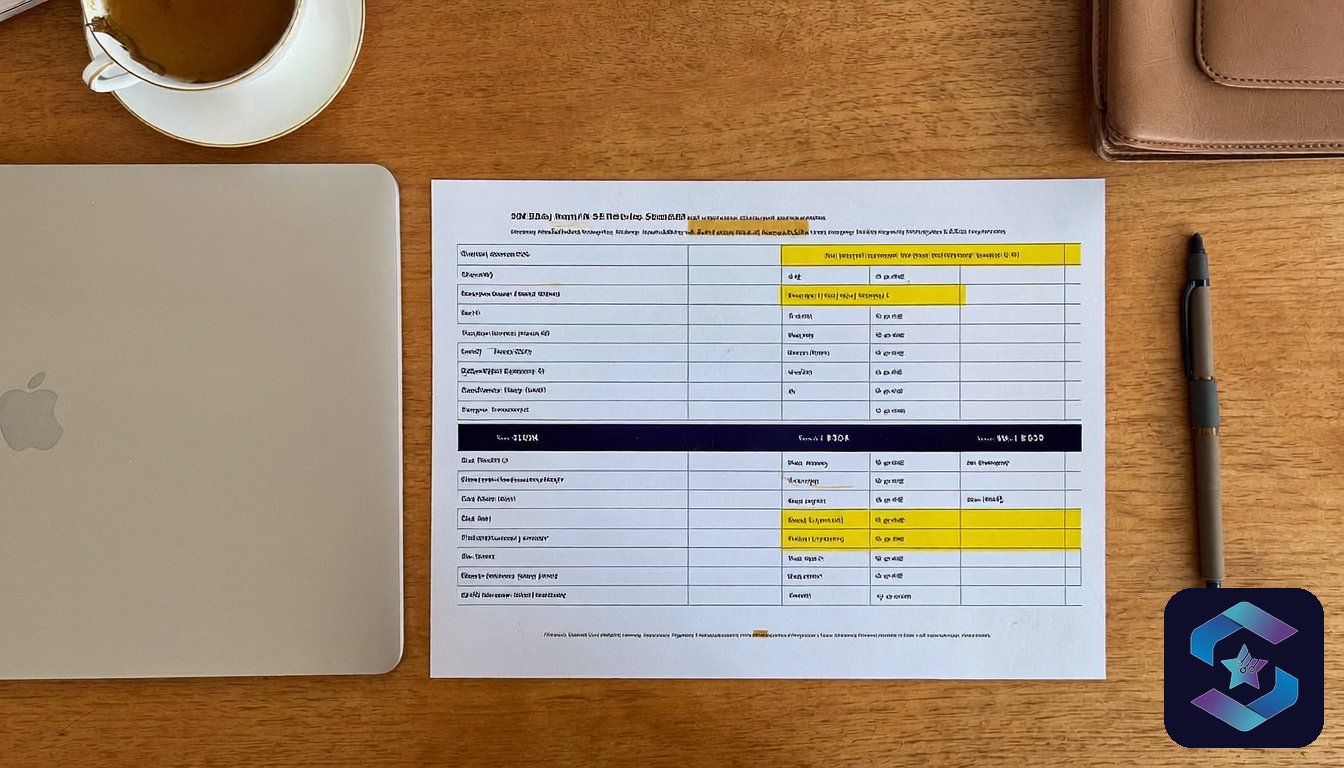
MDM vendors in India negotiate. The published per-device rate is a starting point, not the final number:
| Fleet size | Budget MDM (Scalefusion, Hexnode basic) | Mid-tier (Knox Manage paid, ManageEngine) | Enterprise (Intune E3, Workspace ONE) |
|---|---|---|---|
| ~50 devices | Rs 45-60/device/month | Rs 80-120/device/month | Rs 150-250/device/month |
| ~200 devices | Rs 35-50/device/month | Rs 60-90/device/month | Rs 120-180/device/month |
| 500+ devices | Rs 25-40/device/month | Rs 45-70/device/month | Rs 90-150/device/month |
These are real numbers from signed contracts, not rate cards. Check whether the quote covers OS-level management or only app-level control (cheaper, but leaves gaps on unmanaged devices), and whether a one-time Rs 15,000-50,000 enrollment fee hides outside the per-device number. Three-year terms save 15-25% but lock you in; first-time buyers should sign one year with a renewal clause, since switching cost stays low early and turns into a real project only past three years with 500-plus devices enrolled.
Step 5: run a proof of concept on 20-30 devices
Never buy MDM off a demo. A PoC is the only reliable way to learn how a platform behaves in your environment, not a test fleet with perfect network conditions and pre-configured policies.
A proper PoC takes 2-3 weeks and covers four things: enrollment (20 devices in a day, unassisted), policy enforcement (does the geo-fence fire on Indian telecom networks), app distribution (does silent install work on your Android build), and reporting (does the dashboard show what your field force team needs).
Test two finalists side by side on the same devices, not one. It adds a week to the timeline and removes months of regret, even when you are 90% sure of your pick going in.
Step 6: plan the rollout in phases, not a big bang
Three weeks into a SureMDM rollout for a 500-device logistics fleet, we hit a wall no plan had flagged. Mumbai and Bengaluru went live in week one, textbook big-bang, and by week two Pune was flooding the helpdesk over blocked apps and battery drain nobody had tested on that batch. I had assumed the rollout email reached every branch equally. It went out once, to one list, and Pune read it last. That cost six days and an uncomfortable Monday call with the CIO.
Phase it instead. Pilot with 30-50 devices from your most cooperative team, fix the policy conflicts, then expand by roughly 100 devices every two weeks. A 500-device rollout should take 8-10 weeks, not one. Future Arjun, if you are reading this: do the awkward branch first, not last.
Enrollment method is the single biggest reason employees resist MDM. Zero-touch (Samsung KME, Apple DEP, Windows Autopilot) means the device arrives pre-enrolled; manual means the user installs a profile themselves. We have seen completion jump from 71% (manual, an 800-device rollout) to 97% (zero-touch, the same company’s next batch).
Step 7: evaluate the vendor’s India support, not just the product
Most MDM comparisons stop at features and forget you will be calling support at 11 PM on a Friday when 200 field devices stop syncing after an Android update.
Four questions separate vendors who understand India from those who treat it as an afterthought: does support run on IST or do tickets sit until US hours; can you reach a human by phone; what is the average P1 (full fleet outage) resolution time in India; is there an India-based implementation partner, or does a consultant fly in from Singapore?
India-headquartered MDMs (Scalefusion in Pune, ManageEngine in Chennai, Hexnode in Kochi) default to local support. For global platforms, ask for the India SLA in writing; Intune’s support for Indian tenants has improved since 2024, but enterprise-tier response still needs a Premier Support add-on.
The honest trade-off nobody talks about
MDM adds friction. Your people will notice. Apps take five to ten seconds longer to install. Some personal apps get blocked on BYOD devices. Battery consumption rises 3-8% on an always-on management profile. USB ports get locked. Screenshots get restricted inside work apps.
That friction is the cost of control. Accept it, explain the reasons plainly, and open a feedback channel for the first 30 days. The alternative is what I see at companies without MDM: customer records on an ex-employee’s phone, a field rep walking into a competitor’s office with your pricing sheet on an unwiped tablet. MDM is not about trust. It is a policy that holds whether you trust the person or not.
Arjun’s Take
I have deployed MDM at companies where the CEO said “just pick whatever Samsung recommends,” and at companies where the IT head spent four months evaluating six platforms. The four-month evaluation did not produce a better outcome. What did, every time, was a device inventory, a 20-device PoC, and a phased rollout. Skip the spreadsheet wars and test on real devices, with real users, on real Indian networks.
The short answer: match your platform to your dominant OS and identity provider (Knox for Samsung-heavy, Intune for Windows-heavy, a cross-platform UEM for mixed fleets), get negotiated pricing from three vendors, run a 20-30 device PoC before signing, and check the vendor’s India support SLA in writing. Skip any of those four and the contract usually outlasts the platform’s fit.
FAQ
What is the cheapest MDM for a small Indian business?
Samsung Knox Manage is free at a basic policy level. For mixed fleets under 50 devices, Scalefusion starts around Rs 45/device/month. Intune is effectively already paid for if you run Microsoft 365 Business Premium.
Can I use Intune without Microsoft 365?
Yes, as a standalone license, roughly Rs 200-250/device/month. Most companies already have M365 though, where Intune comes bundled, so check existing licenses first.
How long does MDM deployment take in India?
Expect 6-8 weeks for a 200-device fleet with a phased rollout. The PoC (2-3 weeks) runs parallel with contract talks. A one-week big-bang deployment is possible but triples the support tickets in week two.
Is MDM required for DPDP Act compliance?
Not by name, but the DPDP Act requires “reasonable security safeguards” for personal data, and breaching that obligation carries a penalty of up to two hundred fifty crore rupees. MDM is the most practical way to prove remote wipe, encryption, and access control exist, and auditors expect it past roughly 50 devices.
What happens to employee data on BYOD devices when MDM is installed?
Containerized MDM, such as Intune App Protection or Knox’s work profile, creates a separate work container the company can wipe without touching personal photos, WhatsApp, or banking apps. Explain this before enrollment and it removes most pushback.
200+ businesses trust us. Response within 24 working hours.
About the author
Arjun Mehta, DLM & MDM Deployment Lead
Arjun leads MDM and device lifecycle rollouts at Sirius Star, from 50-device startups to 2,000-device fleets across pharma, BFSI, logistics, and manufacturing. His focus is the part vendors skip: the branch that does not read the rollout email, and the policy that has to satisfy HR, the CIO, and DPDP’s purpose-limitation principle at once. He writes from the field, not the spec sheet.
Related: MDM for business India, what it actually costs, the full 90-day bake-off with fully loaded per-device numbers for ManageEngine, SureMDM, and Microsoft Intune.
The longer read for Indian buyers who want the real numbers before they commit.
Send me the field guide