Crucial SSD vs Samsung India: 5 laptops, 21 days, one Andheri Friday
TL;DR: Mumbai Andheri East product SaaS, 80 seats, 4-year-old Dell Latitude 5400/5410 fleet. Refresh quote was INR 52 lakh. 21-day bake-off across Crucial MX500, Crucial T500 NVMe, Samsung 870 EVO and a WD Blue SA510 control. Plus 16 GB DDR4 per seat. Sustained writes are where the SATA story gets honest. Crucial MX500 drops to 200 MB/s after the SLC cache. Samsung 870 EVO holds 410. Karan signed for a split fleet, not a single SKU. Total bill INR 8.4 lakh. Fleet life pushed 18 months.
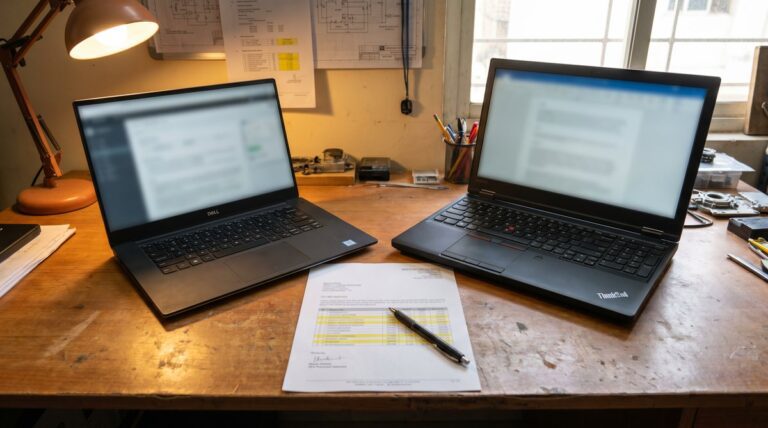
The Dell Latitude 5410 on Karan’s desk takes 92 seconds to boot. We timed it. The lid is scuffed near the hinge and the F4 key has lost its lettering. The drive inside is a 256 GB WD SN520 NVMe that was state of the art in 2021 and is now the slowest thing in the office. It is the machine that kicked off this Crucial SSD vs Samsung India bake-off.
Karan runs IT for an 80-person product SaaS company off Saki Vihar Road, Andheri East. He had a refresh quote in front of him. Eighty Latitude 5550 i5 + 16 GB + 512 GB NVMe at INR 65,000 a seat. Total INR 52 lakh. His CFO had circled the number twice and written one line in the margin: can we not?
So he called me. “Riya, arre, what do I tell her. Do we extend or do we replace.”
That is how the bake-off started. Five laptops, four drives, twenty-one days.
What we actually wanted to test
Hypothesis: a 4-year-old laptop with an aging SATA SSD and 8 GB of RAM is slow because of the drive and the memory, not the CPU. Swap drive, push RAM to 16 GB, machine boots and builds for another 18 months at a fraction of the refresh bill.
To test that we needed real workloads, not synthetic CrystalDiskMark runs. Karan’s office has three workload shapes. Admin and sales on Office 365 and Salesforce. Project managers on Notion, Slack and Looker. Eight engineers on VS Code, Docker Desktop and a Webpack build that touches around 14,000 files.
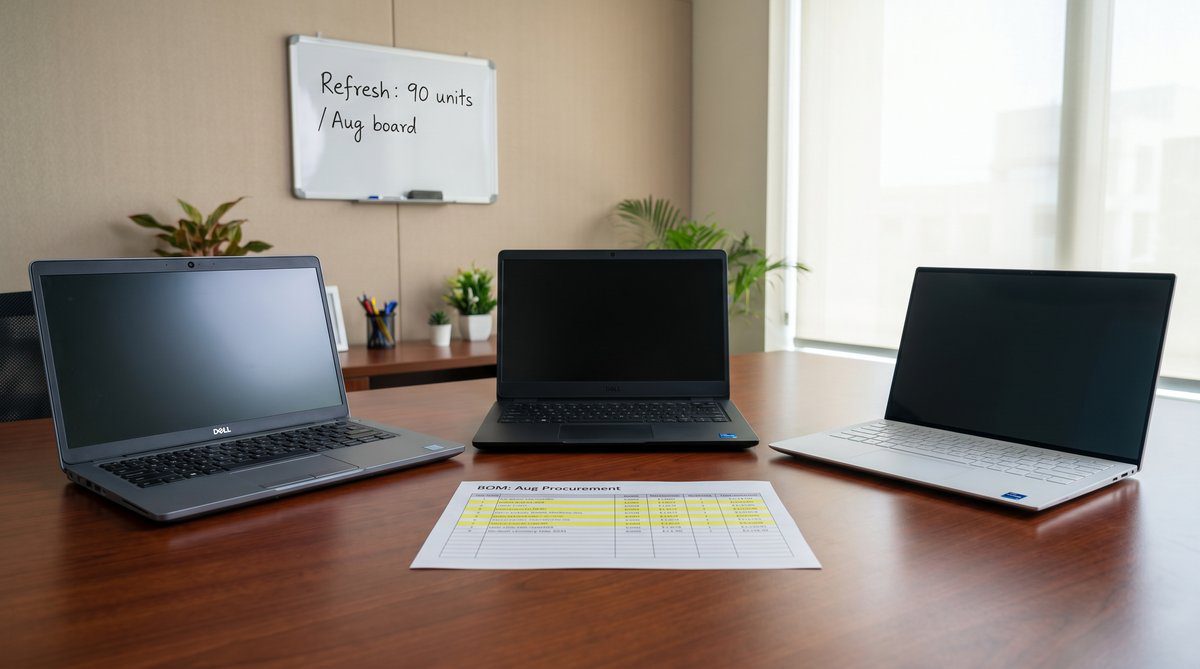
Five seats: three Latitude 5410 i5 (SATA only), one Latitude 5510 i5 (M.2 slot), one Latitude 5410 i7 from the engineering pod. Two on Crucial MX500 1 TB SATA, one Samsung 870 EVO 1 TB SATA, one WD Blue SA510 1 TB SATA as control, the 5510 on a Crucial T500 1 TB NVMe. Every seat got a 16 GB DDR4-3200 SO-DIMM alongside.
The moment the plan changed
I had quoted Karan on Tuesday assuming all 80 laptops could take NVMe. Bas, that was a wrong assumption. On Thursday I ran the model numbers properly. Twenty-two of the eighty were Latitude 5400, the first-gen 14-inch from late 2019. The 5400 has no M.2 NVMe slot, only the SATA M.2 socket the old WD lived in. The remaining 58 split as 31 Latitude 5410 and 27 Latitude 5510.
That changed everything. Twenty-two oldest seats were SATA-only. The 31 Latitude 5410 had a free 2.5-inch SATA bay. Only the 27 Latitude 5510 could take an NVMe SSD.
So the bake-off was not which-drive-wins. It was which-drive-where.
Get the same bake-off, on your fleet: Book a free 21-day SSD upgrade pilot. Five seats, four drives, your workload, our spec sheet. Response within 24 working hours.
Day 7: the headline numbers were boring
On boot time everything won. The 92-second Latitude 5410 with the old WD SN520 became a 14-second machine on the Crucial MX500. Samsung 870 EVO booted in 13. WD Blue SA510 in 15. T500 NVMe in 11. At sub-15 seconds none of those differences matter to a human walking from the lift with a thanda cold coffee.
Outlook cold-launch with 38 GB cached mail: 4 to 5 seconds across all four SATAs. T500 at 3. Salesforce and Looker were network-bound, not disk-bound.
So far the story was: any modern SSD plus 16 GB of RAM makes a 2021 laptop usable in 2026. Drive brand was noise.
Day 14: where crucial ssd vs samsung india gets interesting
The Webpack build split the field.
The engineering build touches around 14,000 files and writes about 9 GB of intermediate output. Sustained mixed read-write, roughly 90 seconds on a healthy drive. Exactly the workload that exposes the gap between SATA brands.
Crucial MX500 started strong. First 30 seconds held 480 MB/s sustained. Then the SLC pseudo-cache filled and it dropped to around 200 MB/s. Build time stretched from 88 seconds on a fresh run to 124 seconds on the second consecutive build. That gap matters when an engineer runs five builds an afternoon.
Samsung 870 EVO held its line better. After cache it settled around 410 MB/s. Two consecutive builds at 91 and 96 seconds. TurboWrite caching on the 870 EVO is more generous than what Crucial ships on the MX500.
WD Blue SA510 control sat between the two, around 380 MB/s. Builds at 94 and 102 seconds.
Crucial T500 NVMe was the outlier the way NVMe always is. PCIe 4.0 x4, sustained writes around 6,800 MB/s, SLC dynamic cache holding for the full build. First build 32 seconds. Second build 33. Eight builds in a row, no thermal throttle.
The honest read is: on engineer seats with M.2 slots, give them NVMe. On admin and sales seats, the sustained-write gap between MX500 and 870 EVO is real but small enough that a INR 800 per-drive price difference matters more.
The bake-off table the CFO actually read
| Drive | Form factor | Boot time | Sustained writes (post-cache) | Webpack build x2 | Indicative price (1 TB) |
|---|---|---|---|---|---|
| Crucial MX500 | SATA 2.5″ | 14 sec | ~200 MB/s | 88 s / 124 s | INR 6,500 |
| Samsung 870 EVO | SATA 2.5″ | 13 sec | ~410 MB/s | 91 s / 96 s | INR 7,300 |
| WD Blue SA510 | SATA 2.5″ | 15 sec | ~380 MB/s | 94 s / 102 s | INR 6,200 |
| Crucial T500 | M.2 NVMe Gen4 | 11 sec | ~6,800 MB/s | 32 s / 33 s | INR 9,800 |
Prices are indicative for June 2026 in India through authorised distribution. Street prices float by INR 300 to 600 either way.
What Karan signed for, and why it was not a single SKU
The Friday meeting in his Andheri East office ended on a split fleet.
Twenty-seven Latitude 5510 engineer seats: Crucial T500 1 TB NVMe with 32 GB DDR4 (two 16 GB SO-DIMMs). INR 3.79 lakh for the pod.
Thirty-one Latitude 5410 admin/sales seats: Crucial MX500 1 TB SATA with 16 GB DDR4. INR 2.94 lakh.
Twenty-two Latitude 5400 seats, the oldest set with SATA-only: Samsung 870 EVO 1 TB with 16 GB DDR4. The 870 EVO’s better sustained-write profile justified the INR 800 per-drive premium on the laptops that take the most legacy I/O. INR 2.27 lakh.
Labour at the Sirius Star service partner near Powai: INR 350 a seat across 80 seats, INR 28,000 on the bill. Plus thermal pads where the original adhesive was tired and Wisedry desiccant packs because Mumbai. Materials INR 12,000.
Grand total INR 9.41 lakh against the refresh quote of INR 52 lakh. CFO got her smaller number.
Want a refresh-vs-upgrade comparison built for your fleet? Book a free fleet audit. We model both paths against your three-year capex envelope. 200+ Indian businesses run this calc with us. Response within 24 working hours.
The part nobody asks about until later
The eighty old SATA SSDs we pulled went somewhere. Four years of business email, Salesforce caches, Outlook PSTs, Notion drafts. Under DPDP those drives carry personal data, and the penalty cap is INR 250 crore. Realistic exposure for an 80-person SaaS is in the lakhs, not crores, but the ITAD process is not optional.
Karan asked the service partner for a certificate of secure data destruction per ISO/IEC 27001 controls. We routed the drives through our IT asset disposition workflow: cryptographic wipe via NVMe Sanitize or ATA Secure Erase, physical degauss for the SATA units, certified destruction report against MeitY’s DPDP framework and the CERT-In incident-reporting baseline. INR 18,000 across the eighty drives. Cheaper than one Sunday escalation about a found drive in a Powai office cabinet.
The receptionist at Karan’s office, Geetha, has worked there longer than the CTO. She picked up her refreshed Latitude 5510 on a Monday. Used it for a week without comment. On the Friday she walked over to Karan: “Sir, this one is faster than the new one IT gave me three years ago. Did you change something?”
Karan looked at me. I nodded back. The win.
Where this works and where it doesn’t
Chassis test first. The bake-off worked because hinges, batteries, displays and keyboards on Karan’s fleet were sound. A drive swap will not save a laptop whose battery has already swollen.
The warranty math was clean. Fleet was out of Dell ProSupport; the upgraded drives carry Crucial and Samsung 5-year warranties. If you are mid-ProSupport, a third-party drive swap can void the original contract.
For a fleet on laptop lease, the upgrade question does not apply. Lessor owns the kit. The math here is for owned fleets only. If the chassis are tired, see our Dell fleet rollout playbook, the OptiPlex vs Mac mini bake-off and the NVIDIA RTX install diary.
FAQ
Is Crucial MX500 reliable for business laptops in India? Yes, with the caveat that sustained heavy writes throttle once the SLC cache fills. For admin, sales and project-management workloads the MX500 is the right answer at the right price. For engineers running back-to-back builds, T500 NVMe or 990 Pro NVMe is a better fit if the laptop has an M.2 slot.
Crucial SSD vs Samsung India, which for a developer laptop? NVMe-capable laptop: Crucial T500 Gen4 or Samsung 990 Pro Gen4. SATA-only: Samsung 870 EVO over Crucial MX500 for sustained writes.
Crucial T500 vs Samsung 990 Pro? Sustained writes within 10% of each other. T500 runs cooler on thin laptops without a heatsink. 990 Pro has a slightly stronger warranty position. Buy whichever has live stock at your authorised distributor the day you need 27 drives.
Should we refresh or upgrade? Chassis test first. If hinges, batteries, displays and keyboards are sound on a 4-year-old fleet, an SSD + RAM upgrade pushes life 18 to 24 months at roughly 15% of refresh cost. If the chassis are tired, refresh on Dell Latitude or Precision, or look at certified refurbished.
What to do this week
Pull your asset register. Filter for laptops 36 months or older. Count how many have an M.2 NVMe slot and how many are SATA-only. That split tells you what to pilot.
Then pick five seats from each workload bucket. Run them for 21 days on real builds, real Outlook PSTs, real Slack. Time the second consecutive build, not just the first.
Start your 21-day Crucial SSD pilot: Get my free SSD upgrade pilot. Five seats. Your fleet. INR 0 to test, INR 8 lakh ballpark to roll across 80 seats. 200+ Indian businesses. Response within 24 working hours.
P.S. Riya here. We have seen this exact bake-off play out at a Pune engineering services firm and a Bengaluru product startup in the last six months. The drive mix changes by chassis age and workload, but the INR-44-lakh-class gap between refresh and upgrade keeps showing up. If your CFO has circled a refresh number on a sheet of paper and asked “can we not”, that is the conversation we want.
The longer read for Indian buyers who want the real numbers before they commit.
Send me the field guide