The night a green backup failed
The call came at 1:40 in the morning. I was on the Sirius on-call rota that week, and the number on screen was a hospital IT manager in Nagpur. I will call him Ravi, because the first rule of writing these field notes is that the people in them stay anonymous.
He did not start with a hello. He said, “Riya, the HIS is asking for a password we never set. And there is a text file on the desktop.” I knew the shape of that sentence before he finished it. A ransom note.
The backup that ran green every night
Here is the part that still bothers me. Ravi had backups. Proper ones. A nightly job covered the Hospital Information System, the billing database, the pharmacy stock, and the imaging archive. The dashboard had been green for fourteen straight months. He checked it most mornings with his chai. Green meant safe. That was the deal he thought he had.
So at 2 AM his plan was simple. Wipe the infected servers, restore last night’s backup, open by the 8 AM shift change. A bad night, not a bad week.
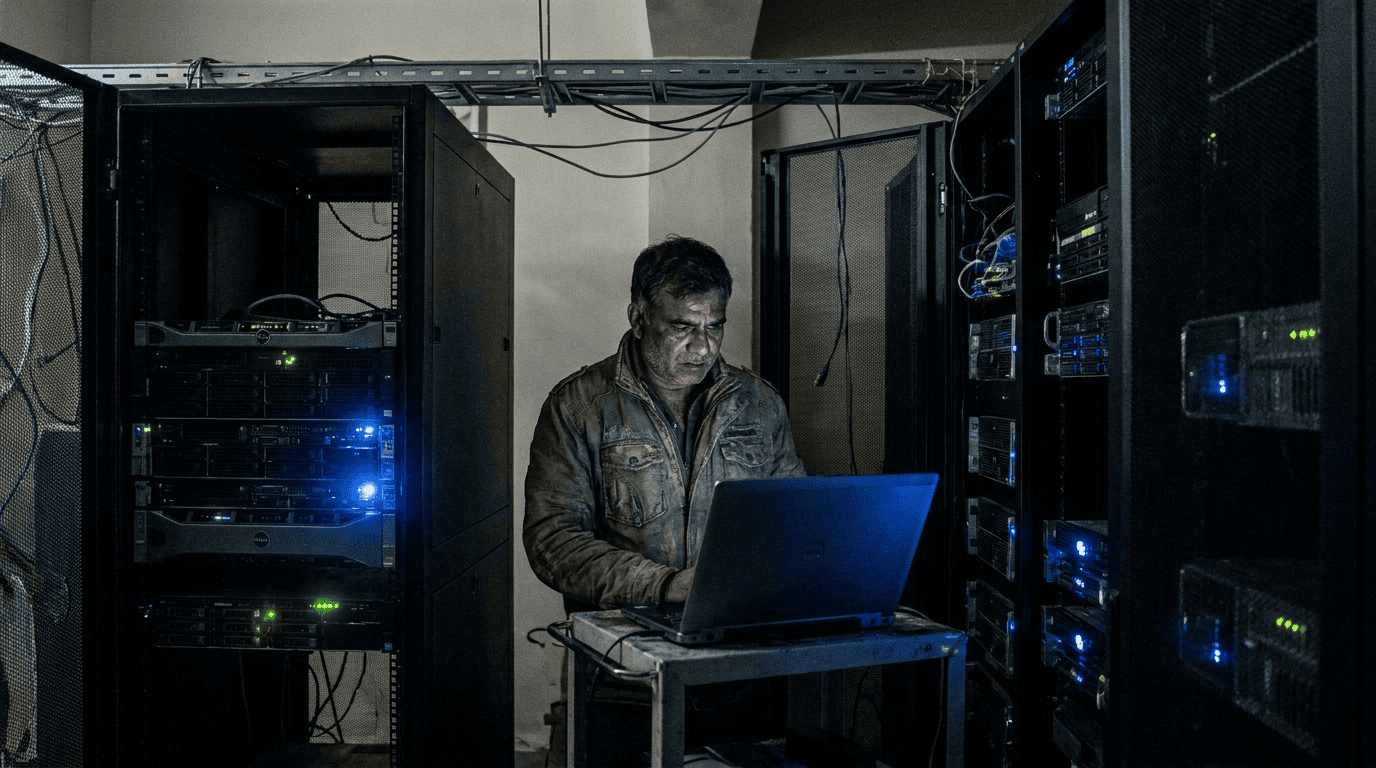
Then he opened the backup repository.
The backup files were there. Same filenames, same folder tree. Every single one carried the attacker’s extension. The ransomware had found the backup share over the network, walked straight in, and encrypted the copies along with everything else. The job had still reported success the night before, because the night before was before the attack. Green told him nothing about today.
Why a green tick lied to him
People assume ransomware only hits the live systems. It does not. Modern strains hunt for backups first, because the attacker knows that a clean restore is the one thing that lets you refuse to pay. Ravi’s backup copy lived on a network share that the backup server could write to. That sounds obvious and harmless. It is the whole problem. Anything with write access to that share, including a compromised account, can change those files.
A backup you can edit is not a safe copy. It is a second target.
See how Arcserve immutable backup is set up for Indian estates. We size the copy that ransomware cannot touch in a free 30 minute review.
What three days of recovery actually cost
Ravi did have one older copy. A monthly export had been written months earlier to a drive that happened to be offline at the time of the attack. Offline by luck, not by design. That copy survived because the malware could not reach unplugged hardware.
So we recovered. From a copy that was four weeks stale, on hardware we had to rebuild from bare metal, with the imaging archive restored last because it was the biggest. The HIS came back on the afternoon of day three. Four weeks of records between the export and the attack had to be re-keyed from paper and from the lab machines that kept local logs. The billing team worked two Saturdays to close the gap.
Nobody paid the ransom. I am proud of that. But three days of a hospital running on paper is not a win. It is a near miss with a long tail.
The one change that would have stopped all of it
After the dust settled, Ravi asked me the only question that mattered. “What do I buy so this never happens again?” Not a bigger backup. Not more frequent backups. An immutable one.
Immutable storage holds a backup copy in a form that cannot be rewritten or deleted for a set window, say 30 or 60 days. The backup server writes the copy once. After that, the storage itself refuses every change request, even one carrying valid admin credentials. An attacker who owns your whole network still cannot touch it, because the lock lives below the operating system, in the storage layer.
This is what Arcserve OneXafe does. It takes continuous immutable snapshots of every backup copy. We pair it with Arcserve UDP, which runs the actual backup of the VMs, the physical servers, and the Microsoft 365 data from one console, and can spin a failed VM straight off the backup while the real rebuild runs in the background. The combination is what turns a three day recovery into a same afternoon one.
How the two setups compare on the night it matters
| When ransomware hits | Writable backup share | Immutable copy (OneXafe) |
|---|---|---|
| Can the malware reach the backup? | Yes, over the network | No, the lock sits in storage |
| Newest clean copy available | Whatever was offline by luck | Last night, by design |
| Time to a working HIS | Days | Hours |
| Records re-keyed from paper | Weeks of them | A few hours at most |
The hardware sat in the rack three weeks later. Ravi now keeps the same green dashboard he always had. The difference is that green finally means what he assumed it meant all along.
What I tell every IT head after that night
Check one thing this week. Open your backup location and ask: can my backup server, or any account on my network, delete or overwrite the files sitting there? If the answer is yes, you have Ravi’s setup. The tick is green and the copy is exposed.
You do not need to rip anything out to fix it. You add an immutable target, point the existing backups at it, and keep the rest. If you also run Microsoft 365, the same logic applies to your mailboxes and SharePoint, which Microsoft does not back up for you the way most people assume. We wrote about that in our note on Microsoft 365 backup retention, and we have walked the platform trade-offs in a backup bake-off and a Veeam debate if you want to see how the options stack up. The security half of the story, the firewall side, sits in our Hyderabad hospital firewall note.
Get my Arcserve quote in 24 working hours. Free 30 minute review first, no card and no contract to start.
Key takeaways
- A green backup status only tells you last night’s job finished. It says nothing about whether the copy survives an attack today.
- Ransomware targets backups on purpose. A writable backup share is a second target, not a safety net.
- Immutability is the fix. An Arcserve OneXafe copy cannot be rewritten or deleted for the retention window, even by an attacker with admin rights.
- You can add an immutable target to your existing backup without replacing what already works.
FAQ
Is an immutable backup the same as an offline tape?
No. A tape is safe only while it is unplugged, which means someone has to remember to swap it. Immutable storage stays online and reachable for fast restores, while still refusing any change to copies already written.
We already pay for backups. Do we start over?
No. In most cases we keep your existing backup software and add Arcserve OneXafe as the immutable destination, or move you to Arcserve UDP if the current tool cannot write to an immutable target. The review tells you which path fits.
Will immutable storage cost a lot more?
Less than people expect, because most estates overbuy raw capacity. OneXafe is priced per usable terabyte, and a sizing pass usually finds you were paying for space you never needed. That saving funds the immutability.
How long does a rollout take?
For a single site, licensing, appliance supply, and deployment typically run in working weeks, not months. Sirius Star coordinates the whole thing from Vashi, Navi Mumbai.
Talk to the Sirius team about Arcserve backup and immutable storage. We have set this up for 200+ Indian businesses, including hospitals and BFSI branches that cannot afford a long outage.
P.S. Sudeep here. We shipped exactly this setup for a Pune manufacturer last month. They asked the same question Ravi did, only they asked it before the attack instead of after. That is the cheaper place to ask it. If your backup runs green tonight, good. Now go check whether anything on your network can quietly rewrite it. Reach us on WhatsApp at +91 91375 93228 during 10-7 IST if you want a second pair of eyes on that.
Sources: Arcserve OneXafe immutable storage; CERT-In, India’s national incident response team; MeitY, Digital Personal Data Protection Act 2023.
The longer read for Indian buyers who want the real numbers before they commit.
Send me the field guide