
The USB data theft risk your endpoint policy is probably ignoring
Table of contents
- The ₹12 device that bypasses your entire security budget
- Why USB data theft is harder to catch than email or cloud leaks
- Four USB exfiltration scenarios I see in Indian companies
- What a USB data theft prevention policy actually looks like
- The 4-control stack that stops USB leaks without killing productivity
- How much does USB endpoint protection cost?
- Priya’s take
- FAQ
The ₹12 device that bypasses your entire security budget
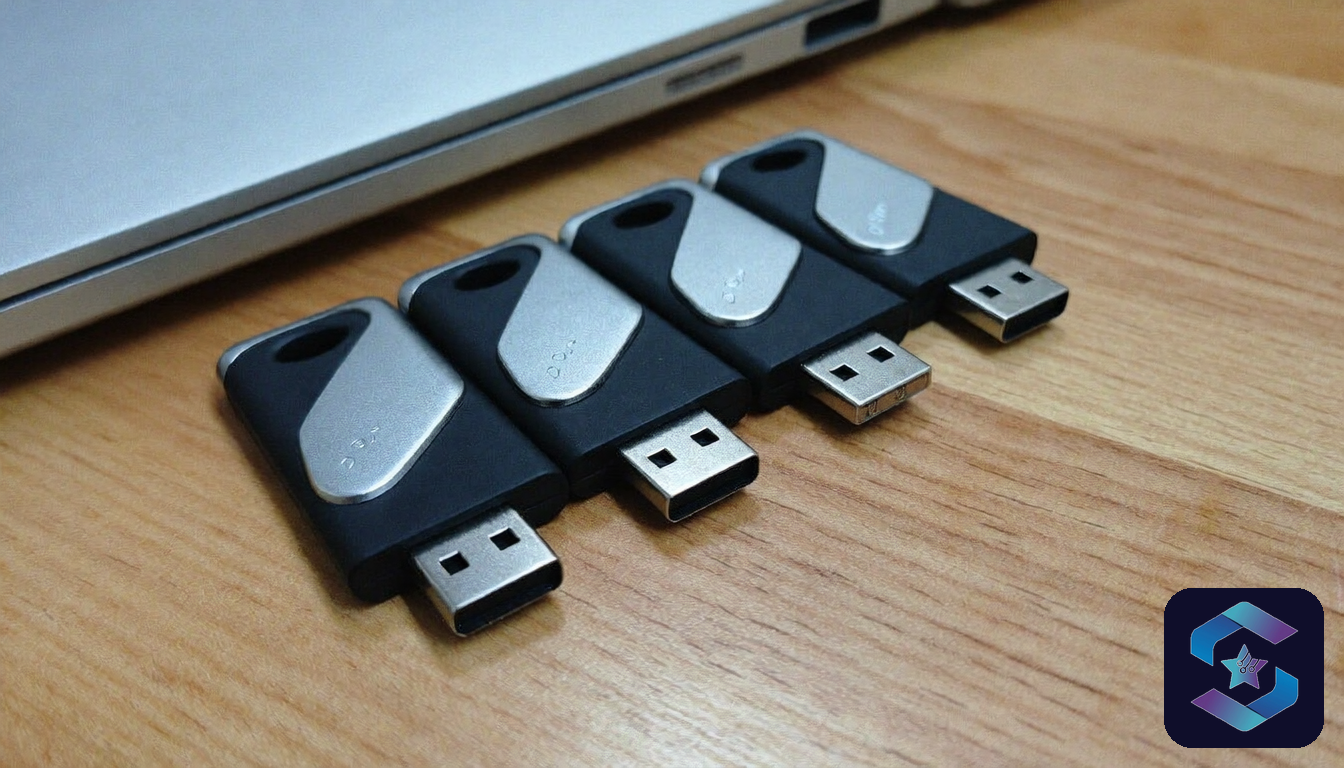
USB data theft is the act of copying sensitive company files onto a removable USB drive and walking out with them. Nobody tracks a clean India-wide number on this because most companies never look. The closest hard data point comes from Honeywell’s Industrial Cybersecurity USB Threat Report, which found 37% of threats aimed at industrial environments were built to exploit removable media, almost double what it was a few years earlier. A ₹12 pen drive from the stationery shop across the road can carry 32 GB of client records, financials, or HR data past every firewall your company has ever paid for.
Most Indian companies spend ₹3-8 lakh per year on perimeter security: firewalls, email gateways, cloud access brokers. Almost none of that budget touches the USB port sitting on every employee laptop. I run DPO engagements for 11 clients right now, and 9 of them had zero USB monitoring when we started. Not disabled. Not logged. Just invisible.
The DPDP Act 2023 does not care how data left the building. If personal data of your customers or employees ends up outside your systems without lawful basis, you are liable for penalties up to ₹250 crore per incident. A USB drive in someone’s pocket is legally identical to a hacked database.
Why USB data theft is harder to catch than email or cloud leaks
Email exfiltration leaves a trail in your mail server logs. Cloud uploads show up in your CASB or proxy logs. USB copies leave almost nothing unless you have endpoint DLP software installed on that specific machine.
This is what makes USB different from other exfiltration channels:
| Factor | Email / Cloud | USB drive |
|---|---|---|
| Log trail | Mail server, proxy, CASB | None (without endpoint agent) |
| Detection window | Minutes to hours | Days to never |
| Data volume per event | Limited by attachment caps (25 MB) | 256 GB+ in one sitting |
| Evidence for investigation | Headers, timestamps, recipient | Device serial (if logged) or nothing |
| DPDP breach notification trigger | Yes, 72-hour clock | Yes, but you may not know it happened |
The asymmetry is the problem. Your security team can search email logs for a specific file. They cannot search for a file that was silently copied to a drive that was plugged in for 90 seconds and removed.
Four USB exfiltration scenarios I see in Indian companies
These are not hypothetical. These are patterns we have seen across DPO assessments in the last 18 months, spanning BFSI, pharma, and edtech companies.
The resignation copy. An employee puts in their notice, works their 30-day period, and steadily copies client lists, pricing sheets, and project files onto a personal drive. On their last day, the laptop goes back to IT wiped. The data is already gone. I saw this at a Mumbai NBFC where the departing employee had copied 14,000 customer records across 4 USB sessions over 3 weeks. Nobody noticed until a competitor started calling those customers 2 months later. RBI’s cybersecurity framework for NBFCs expects exactly this kind of insider-movement monitoring, and the bank had none of it wired to USB activity.
The “backup” habit. Some employees genuinely believe they are being responsible by keeping a personal backup of their work. They copy project folders, email archives, sometimes entire SharePoint synced directories onto a USB drive “just in case the laptop crashes.” Under DPDP, personal data in those folders is now sitting on an unencrypted, unmanaged device in someone’s home drawer. One client in Pune had 23 employees doing this regularly. All of them thought it was fine.
The shared workstation shortcut. In manufacturing plants and warehouse offices, 3-4 people share one desktop. USB drives become the default file-transfer method between shifts. Production reports, vendor POs, employee attendance data, quality inspection records all live on pen drives circulating between people. No encryption. No tracking. No idea which drive has what.
The vendor handoff. A procurement manager copies an RFP response onto a USB drive to hand to a vendor during a site visit. That drive now contains your technical specifications, pricing models, and maybe the competitive bids from other vendors. The vendor’s laptop has no DLP. The file is now outside your control permanently.
What a USB data theft prevention policy actually looks like
A policy document alone does nothing. I have reviewed USB policies at companies that say “USB drives are prohibited” on page 1 and have 200 USB devices plugged in across the office on page 2 of the audit report.
A working USB policy has three parts that most companies skip:
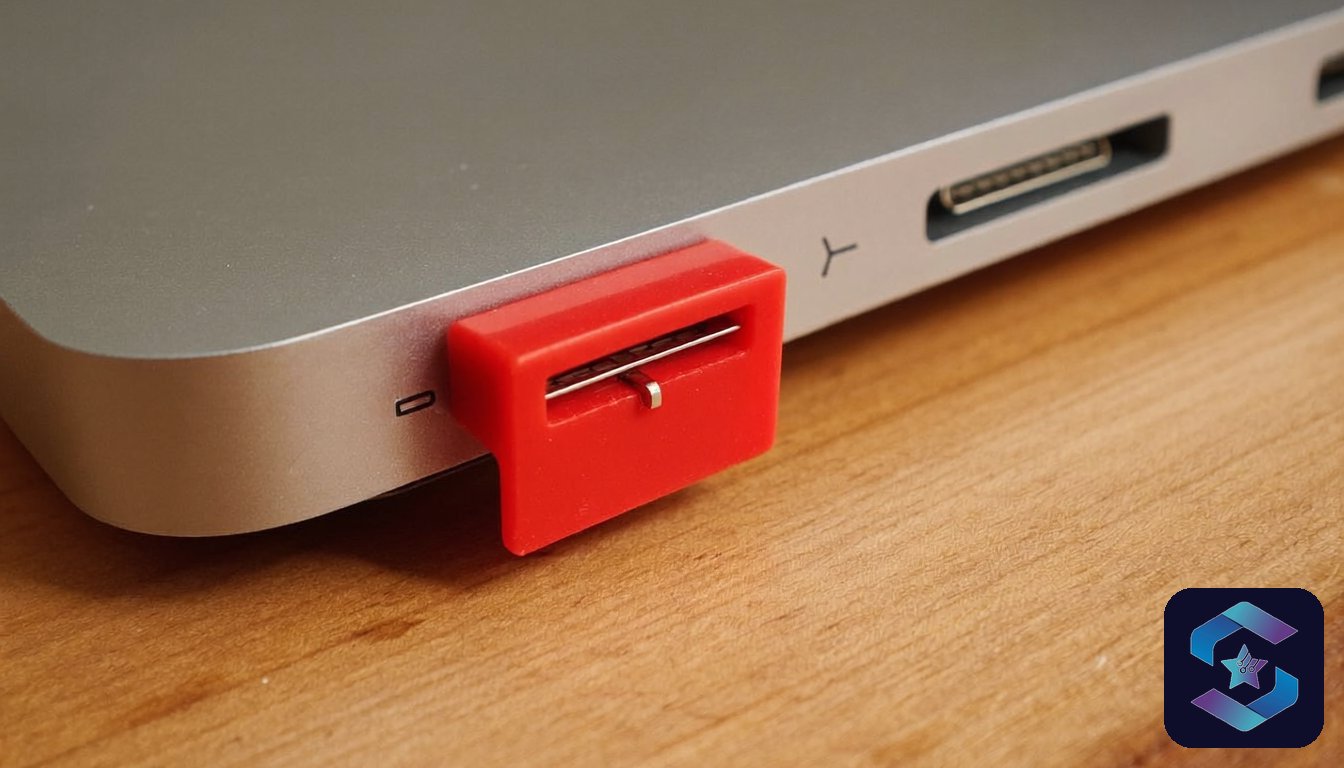
The technical enforcement layer. Your MDM or endpoint agent must actually block unauthorized USB storage devices at the OS level. Not a poster in the break room. A Group Policy or agent-level restriction that prevents the device from mounting as storage. Keyboards, mice, and printers should still work. Only mass storage class devices get blocked.
The exception workflow. Some roles need USB access. Field engineers updating firmware. Marketing teams transferring files at events. The policy must define who can request an exception, who approves it, how long it lasts, and what gets logged during that window. A blanket block with no exception path guarantees shadow workarounds.
The audit mechanism. Someone reviews the exception log monthly. Someone checks if the 3 exceptions granted in January are still active in April. Someone runs a scan for unauthorized USB device connections across the endpoint fleet. Without this, the policy decays within 6 months.
The 4-control stack that stops USB leaks without killing productivity
This is the stack I recommend to clients with 50-500 endpoints. It works on Windows, macOS, and managed Android devices.
Control 1: Default deny on USB mass storage. Use your MDM (Intune, Jamf, or Hexnode) to push a device restriction profile that blocks USB storage class devices. This is a 15-minute configuration. Cost: ₹0 if you already have MDM deployed.
Control 2: DLP agent with content inspection. Install Secure Data Guard or equivalent endpoint DLP that scans files being written to any removable media. If a file contains PAN numbers, Aadhaar patterns, or financial data markers, the copy is blocked and an alert fires. This catches the cases where an approved USB drive is used for unauthorized content.
Control 3: USB device allowlisting. Instead of blocking everything, maintain a list of company-issued encrypted USB drives (by serial number). Only those devices mount as storage. Personal pen drives from the stationery shop do not work. Encrypted drives cost ₹800-1,200 each. For a 200-person company, that is ₹40,000-60,000 for the drives that actually need them (usually 20-30 people).
Control 4: Automated alerting on USB events. Configure your SIEM or endpoint agent to generate an alert whenever a USB storage device is connected, regardless of whether the copy was blocked. This gives your security team a daily report of USB activity across the fleet. Pattern detection matters: if one employee connects a USB drive 15 times in a week during their notice period, that is a signal worth investigating.
The total cost of this stack for a 200-endpoint company runs ₹1.5-3 lakh per year (assuming existing MDM). Compare that to the ₹22 crore average cost of a data breach in India, IBM’s highest figure for any country it tracked in its 2025 Cost of a Data Breach Report, up from ₹19.5 crore the year before. The math is not complicated.
How much does USB endpoint protection cost?
| Component | One-time cost | Annual cost (200 endpoints) |
|---|---|---|
| MDM USB restriction policy | ₹0 (config only) | Included in MDM license |
| Endpoint DLP agent | ₹0-50,000 setup | ₹80,000-1,50,000 |
| Encrypted USB drives (30 units) | ₹24,000-36,000 | ₹0 (hardware lasts 3+ years) |
| SIEM USB alert rules | ₹0 (config only) | Included in SIEM license |
| Total | ₹24,000-86,000 | ₹80,000-1,50,000/year |
Most of this cost is in the DLP agent license. If you already run DLP software for email and cloud channels, adding USB monitoring is often included in the same license at no additional cost.
I will be direct about a trade-off here. Full USB blocking with no exceptions does reduce a certain kind of productivity. Field teams that rely on USB for firmware updates or data collection from instruments will push back. That is why Control 3 (allowlisting) exists. It is more work to manage than a blanket block, but it is the only approach that survives contact with actual business operations.
USB is just one of 5 data theft methods employees use. The others (email forwarding, cloud uploads, WhatsApp, resignation raids) each need their own controls. But USB is where I start with every new client because it is the highest-volume, lowest-visibility channel.
Priya’s take
I have done DPIA assessments where the company had spent ₹15 lakh on email DLP and ₹0 on USB controls. When I asked why, the CISO said “nobody uses USB drives anymore.” I asked him to run a 7-day USB connection log on 50 random endpoints. We found 127 USB storage connections in that week. Forty-two of them involved files with personal data. That is the gap. USB feels like a 2010 problem, but the drives are smaller, faster, and cheaper than ever. The risk has not gone away. It just went invisible.
Frequently asked questions
Can I just disable all USB ports physically?
You can, but it also disables keyboards, mice, headsets, and docking stations on many laptops. A better approach is to block only the USB mass storage device class through your MDM or Group Policy. This preserves USB peripherals while stopping data exfiltration through storage devices.
Does the DPDP Act 2023 specifically mention USB data theft?
No. The DPDP Act is technology-neutral. It requires “reasonable security safeguards” to prevent unauthorized access or disclosure of personal data (Section 8(5)), as published on MeitY’s data protection framework page. If personal data leaves your systems via USB and you had no controls in place, that is a failure of reasonable safeguards regardless of the method. Penalties apply up to ₹250 crore.
What is the fastest USB data theft prevention step I can take today?
Push a USB mass storage block policy through your MDM. If you use Intune, it is a device configuration profile under Endpoint Protection > Device Control. If you use Jamf, it is a Configuration Profile > Restrictions > Media. This takes 15 minutes and costs nothing. It blocks personal USB drives immediately while keeping keyboards and mice working.
How do I know if USB data theft has already happened in my company?
Without an endpoint agent that logs USB device connections, you likely cannot know. That is the problem. Start by deploying a monitoring-only agent on 50 endpoints for 7 days. Review the log for USB storage device connections. The results will tell you whether this is a real risk or a theoretical one for your specific environment.
Are encrypted USB drives enough to prevent data theft?
Encrypted drives protect data if the drive is lost or stolen. They do not prevent an authorized user from copying sensitive files onto the drive and walking out. You still need DLP content inspection (Control 2), a concept closely related to what data loss prevention software is built to do, to catch unauthorized content being written, and alerting (Control 4) to detect unusual patterns.
Deploying 50+ devices? Ask about Device-as-a-Service. Managed endpoints come with USB controls built in.
200+ businesses trust Sirius Star. Response within 24 working hours.
Talk to our endpoint security team
The longer read for Indian buyers who want the real numbers before they commit.
Send me the field guide