Do you need a small business server? On-prem vs cloud vs hybrid
A 44-person engineering firm outside Coimbatore had a quote for a new server on the table. The question underneath the quote was a different one, and the honest answer cost less.
Most Indian companies under 60 staff no longer need a small business server. They need the four jobs a server used to bundle: file storage, an application host, a backup, and a place for identity. Mail and documents go to Microsoft 365. Large working files stay on a NAS in your own office. A line-of-business application that runs nowhere else is the only piece that still argues for a box.
Hybrid wins for most 20 to 60 person firms. Full on-premise still wins when the site’s upload speed is the weak link. Cloud-only wins when nobody opens files over 100 MB.
The quote was for a tower server, two processors, 64 GB of RAM, three years of on-site warranty. It sat on the table between us like a decision somebody had already made. The managing director wanted to know whether the price was fair.
That is not actually the question. The price was fair. Nobody in the building had asked what the existing server was doing, and a fair price for the wrong box is still the wrong box. If you are reading this with a similar quote open in another tab, the useful question is not on-premise versus cloud. It is which of the jobs your old server does still has to happen inside your building.
What the server in the corner is actually holding
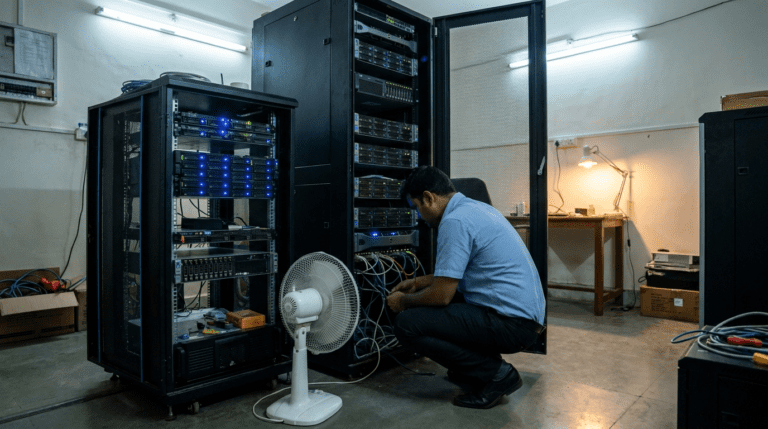
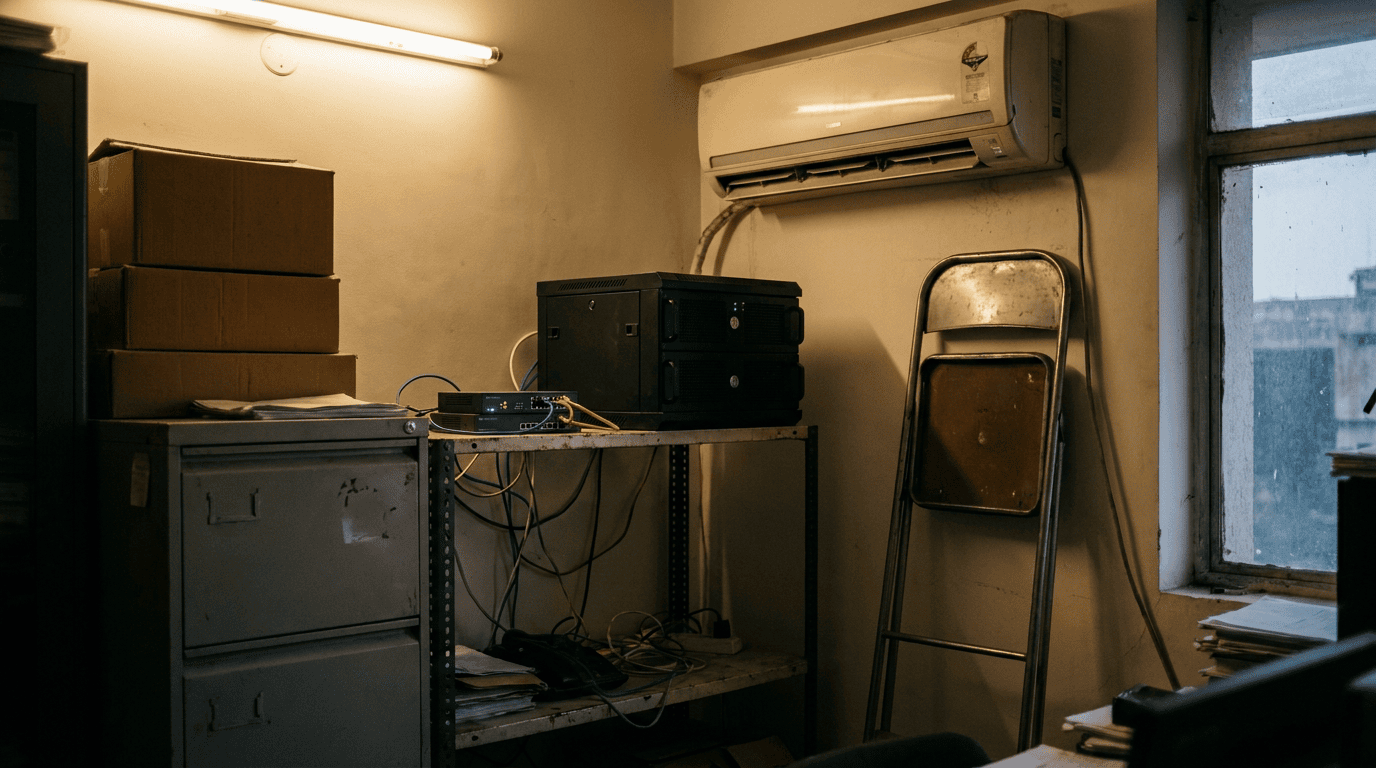
We spent forty minutes with the IT coordinator and a phone torch, because the rack sits behind a stack of cartons in the accounts room and the tube light above it has been out since March. Nobody had raised a ticket. Nobody sits there.
The box was doing four jobs. It ran Tally on a shared folder for six users, it held the CAD and drawing archive at roughly 2.1 TB, it hosted an inventory application whose vendor stopped shipping updates in 2021, and it received a nightly backup that a batch file wrote to a second internal drive in the same chassis.
That last one deserves a sentence of its own. A backup on a second drive inside the same server survives nothing that actually happens. Fire, flood, theft, a ransomware run, a failed power supply that takes the backplane with it: one event takes both copies. Nobody had lied about it. Somebody set it up in a hurry in 2018 and it worked, in the sense that it was never tested.
The operating system was Windows Server 2016. Microsoft’s extended support for Windows Server 2016 ends on 12 January 2027, which was under six months from the day we were sitting there. The slowness was the complaint. The date was the reason a quote had appeared.
An unsupported server that holds employee records and customer drawings is a compliance exposure, not just an IT one. The DPDP Act sets a penalty ceiling of Rs 250 crore for failing to keep reasonable security safeguards. An unpatched file server holding personal data is exactly the sentence you do not want in an incident report.
What moving a small business server to the cloud actually changes
Two of the four jobs move cleanly. Mail, documents, and the shared folders full of Word, Excel and PDF work belong in Microsoft 365 and cloud, where they get version history, external sharing that does not run through somebody’s personal Gmail, and a recycle bin that has saved more careers than any firewall. Tally for six users needs one properly backed-up machine, not a tower with two processors.
The CAD archive is where it stops being clean. 2.1 TB of drawings, opened and saved all day by eight designers, over an industrial estate broadband line that tested at 42 Mbps down and 6 up. A sync client will hold that if you configure it patiently. Working directly against cloud storage will not, and the first designer who loses an afternoon to a file lock will tell the entire floor that cloud does not work. He will be right about his afternoon.
My first note after that meeting said move everything, keep nothing. I wrote it in the car and it was wrong before I reached the highway. The upload speed on that estate was not a detail I could engineer around with a better sync client, and pretending otherwise would have made me the vendor I complain about. We have seen the same thing twice before, both times at plants outside a metro, where the line is fine for mail and hopeless for a 400 MB assembly file. Sequence by what the site can carry. Then let the licensing argument settle whatever is left.
There is a licensing detail worth knowing before anyone quotes you. Windows Server Essentials, the cheap edition small firms ask for by name, is capped at 25 users and 50 devices, allows one virtual machine, and is sold only through OEM server hardware partners. Cross 25 people and you are into Standard edition, which is core-based and needs a client access licence for every user or device. That threshold moves the on-premise number more than the hardware does.
The three-year math, and what the quote leaves out
He asked for the comparison on one page, so here it is. The table arrives now rather than at the top, because the numbers only mean something after you know what the box was doing.
| Line item | New on-premise server | Cloud only | Hybrid: NAS plus Microsoft 365 |
|---|---|---|---|
| Upfront hardware | Rs 3.5 to 5 lakh for server, UPS and rack* | Nil | Rs 1.1 to 1.8 lakh for a 4-bay NAS with drives* |
| Server licensing | Standard edition core licences plus a CAL per user or device | None to buy | Usually none, a NAS runs its own operating system |
| Recurring per seat | Nil | Microsoft 365 per seat, plus a cloud VM for anything that will not move | Microsoft 365 per seat only |
| Where the backup lives | Wherever you send it, and most Indian SMEs send it to the same building | Vendor’s copy, plus a third-party backup you still have to buy | Snapshots on site, second copy off site |
| 6pm on a bad day | You call whoever sold you the box | You wait in a support queue with no local hands | The NAS is yours to power-cycle, mail keeps working regardless |
| Refresh clock | Hardware at five years, OS at end of support, whichever lands first | None | NAS at five to six years, drives at three to four |
| Weak point | The room. Power, dust, and the one drive nobody replaced | The line. 6 Mbps up will not carry a design floor | Two things to manage instead of one |
| Indicative three-year total, 44 seats | Rs 8 to 11 lakh* | Rs 9 to 14 lakh* | Rs 7 to 10 lakh* |
*Indicative for a 40 to 50 seat Indian firm as of July 2026. Configuration, channel pricing and your existing licence position move these materially. Treat them as the shape of the answer, not as a quote.
What I told him
Hybrid. Buy a four-bay NAS for the drawing archive, with snapshots on the box and a second copy leaving the building every night. Move mail and documents to Microsoft 365 and get identity out of a domain controller nobody patches. Keep the inventory application on one small server or a cloud VM, and put a written end date against it, because an unsupported application is a longer-running risk than an unsupported operating system.
He came back with the line every finance head comes back with, that the monthly subscription adds up to more than just buying over five years. On raw multiplication he is right. That math leaves out the repairs, the productivity lost when a box dies mid-quarter, and the fact that almost nobody refreshes on time when they own outright. His own server proved all three. It ran slow because it was eight years old. It was eight years old because owning it meant nobody ever had to decide anything. Then Microsoft set a date and the decision arrived anyway.
We sell business IT hardware and we sell Microsoft 365, so read that recommendation knowing we make money either way. That is exactly why I can tell you the tower in his quote was oversized by roughly half, and that the honest version of the order was smaller than the one already sitting on the table.
If you are doing this yourself
Do not start from a product. Start from an inventory, and do it with a torch if that is what the room requires.
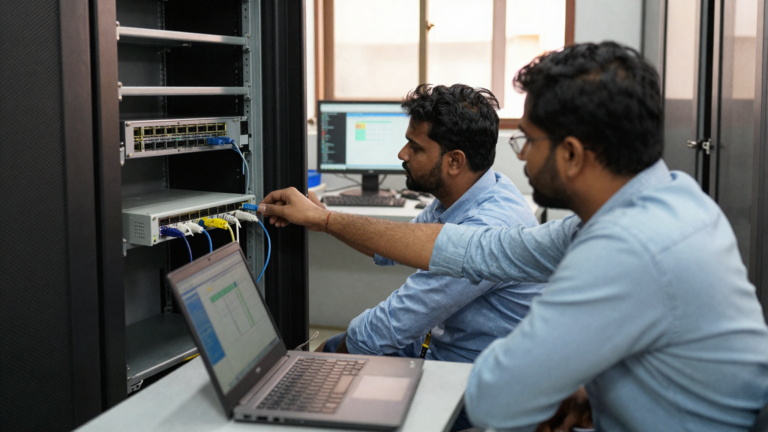
List every job the current server does, one line each, with the number of people who touch it and the size of the data. Then mark each line with where it has to live: in the building, in the cloud, or either. That single column decides the architecture, and it takes an afternoon.
Test your upload speed at 3pm on a working Wednesday, not at 9pm when the estate is empty. Upload is the number that matters, and it is the one nobody quotes you.
Open the backup. Do not check that it ran, restore something from it. A backup nobody has restored is a belief, and the day you find out is always the wrong day.
Check what the operating system’s support date is before you check the processor. If you are past it, or within a year of it, that is your project timeline whether or not you like it. And if you are also carrying eight-year-old desktops in the same room, fold the two decisions together, because a device lifecycle plan and a server plan bought separately always cost more than the same two bought once.
Key takeaways
- The question is workload placement, not server versus cloudBreak the box into its jobs first. Each job answers separately, and the answers rarely match.
- Upload speed decides the file questionIf designers or engineers open large files all day and your site uploads at single-digit Mbps, those files stay in the building. Everything else can leave.
- The licence threshold is 25 usersWindows Server Essentials caps at 25 users and 50 devices and comes only with OEM hardware. Above that, core licensing plus CALs changes the whole comparison.
- A copy in the same chassis is not protectionOne offsite copy, tested by restoring something real, beats three local copies that have never been opened.
Questions he asked after the meeting
Does a small business in India still need a server in 2026?
Most do not need a general-purpose server anymore. Mail, documents, identity and calendars run better in Microsoft 365, and a NAS handles large shared files for a fraction of the licensing. You still need a server or a cloud VM if you run a line-of-business application that will not run anywhere else, which in Indian SMEs is usually an older ERP, an inventory system, or a design licence server.
Is a NAS the same thing as a server?
No. A NAS stores and shares files, runs its own operating system, and needs no Windows Server licence or CALs. A server runs applications. If your only reason for wanting a server is a shared folder that everyone maps a drive to, a NAS does that job for less money and less patching. If you need to run software, you need a server or a cloud VM.
What actually happens when Windows Server 2016 support ends in January 2027?
The server keeps running. It stops receiving security updates, which means every vulnerability found after that date stays open on a machine holding your data. Windows Server 2019 is supported until January 2029, so an in-place upgrade buys two years if the hardware is sound. Plan the move before the date, not after, because rushed migrations are where data gets lost.
Is cloud actually cheaper than buying a server for a small business?
Over three years, cloud-only is usually the most expensive of the three options for a 40 to 50 seat firm with heavy files, and the cheapest for a 15 to 25 seat firm with no large data. Hybrid lands lowest for most mid-size Indian offices because it puts only the bulky files on hardware you own. Compare on three years. Include power, offsite backup, drive replacements and the refresh you keep postponing. The ranking usually flips at least once.
Not sure which of your workloads should move?
We will inventory what your current server is doing, test the line speed at your site, and give you the placement table for your own workloads. No box gets quoted until that page exists. 200+ Indian businesses run their infrastructure with us from Vashi, Navi Mumbai. Response within 24 working hours.
The NAS went in during the second week of August and the drawing archive moved over a weekend. Matlab, nobody on the design floor noticed anything except that the corner of the accounts room got quieter. Achha, one person noticed. The IT coordinator asked whether we could also fix the tube light. Bas, that is the whole review. If you want the same inventory done on your setup, WhatsApp +91 91375 93228, 10 to 7 IST, or write to care@siriusstar.in.
One page. Every job your current server does, who touches it, how big it is, and the column that decides whether it stays in your building. Fill it in yourself before you take any quote.