Fujitsu Scanner India (Now Ricoh): a Pune CA firm’s records digitization day
Quick brand note before the story: PFU Limited, the company that actually builds these scanners, retired the Fujitsu name on the box back in 2023. Ricoh owns the brand now. Same fi-series engineering, same factory, new logo. We still call it a Fujitsu scanner in this piece because that is what Mr Rao’s office searched for, and what most Indian buyers still type into Google. Order one today and the carton on your desk will say Ricoh.
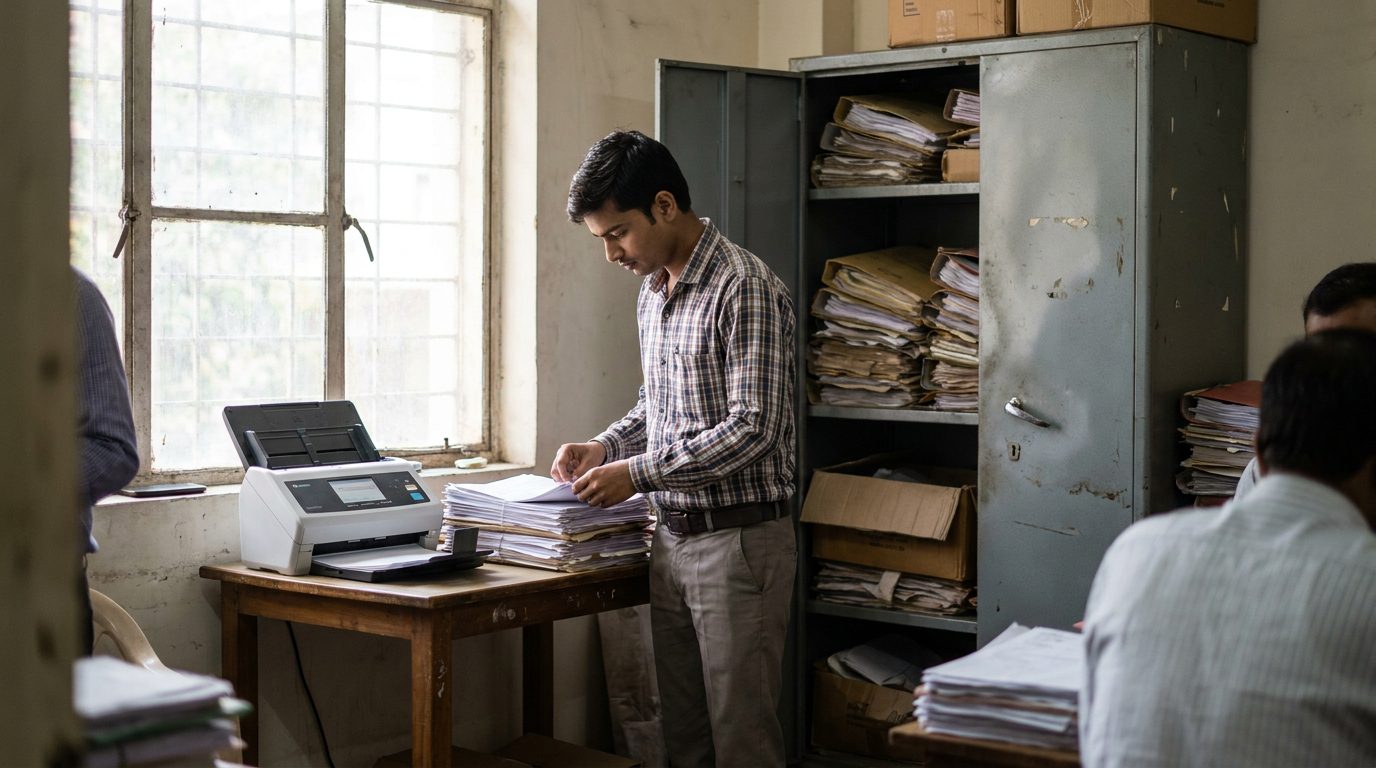
Tuesday, 07:10 IST, a June morning in 2026. The grey steel almirah in the corner of their records room had not been fully opened in years. That is where the Pune CA firm kept client files going back to 2014. When the office manager, Sneha, tugged the door, two folders slid out and a decade of paper dust came with them. This is exactly the room a Fujitsu scanner India project lives or dies in. Not a showroom. A hot records room with a ceiling fan pushing thanda air around and nowhere clean to stack a single page.
The firm was moving to a larger office across town in nine days. The senior partner, Mr Rao, did not want to carry forty cartons of paper to the new place. He wanted them gone, and he wanted every file searchable before the first assessment season in the new building. That was the brief. Not a gadget. A deadline.
Why the office MFP could not do this job
The firm already had a multifunction printer. The junior staff had been told to scan files on it for two years. They had managed maybe 600 files. The MFP scans one stack, then waits for a human to feed the next. It jams on a folded corner. It saves each batch as a separate file with a useless name. Arre, by the third box people just gave up and went back to the almirah.
A production document scanner is a different animal. The Ricoh fi-series unit we specced (the same PFU-built hardware that carried the Fujitsu badge until 2023) runs an automatic document feeder rated, per Fujitsu’s own spec sheet, at around 70 pages a minute with a 100-sheet hopper. It catches a double-feed with an ultrasonic sensor and stops before it eats a page. We have seen the office-MFP route stall at exactly this firm’s scale more than once. Paper does not wait for a printer to catch up.
There was a second reason, and it had nothing to do with speed. India now has a real data-protection law. Under the DPDP Act, penalties run up to Rs 250 crore for serious data failures, per MeitY, and physical client files in an unlocked almirah are a data risk nobody on the audit committee had priced. A digitized archive with access control is easier to defend than a steel cupboard with a lost key. MeitY’s data-protection framework and the records-management discipline in ISO 15489 both point the same way. So does Microsoft Purview’s records-management guidance, which is the digital half of the same problem.
How we ran the first batch of 4,000 pages
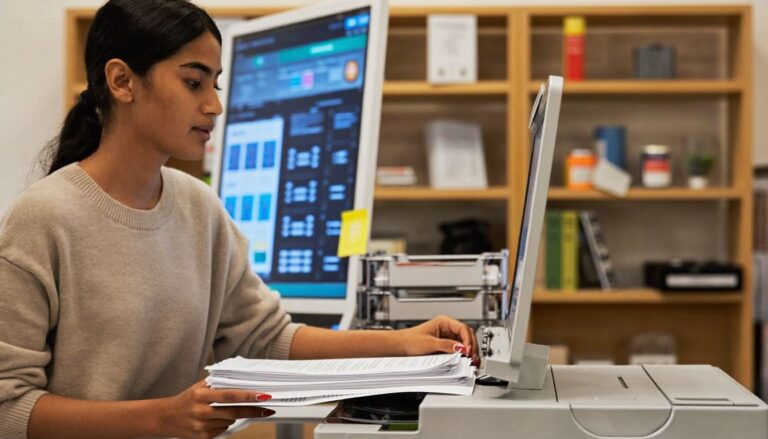
09:00 IST. We set the scanner on a clean trestle table, not the records room. Sneha and one junior pulled files. Two of us prepped. Prep is the part nobody budgets for. You remove staples. You flatten folded corners. You pull out the carbon-copy challans that gum the rollers. The actual scanning is fast. The prep is the day.
We ran the first carton as a test. 380 pages, mixed sizes, some thermal-paper receipts that had faded to almost nothing. The Fujitsu unit handled the legal-size sheets and the tiny receipts in the same pass because the feed path adjusts to page width on the fly. We turned on the software’s blank-page removal and the auto-deskew. The 2014 ledger pages came out straight and readable. Pakka clean.
By noon we had a naming pattern the firm could live with: client code, document type, financial year. Every scan dropped into a folder tree that matched how Mr Rao’s team actually thinks about a client. Searchable text came from the built-in OCR, so a name typed into the search box pulled the file in seconds. That ten-second test was the whole point.
What the Fujitsu scanner India setup changed by 6 p.m.
4,000 pages through the feeder by end of day one. No torn originals. Two double-feeds caught and re-run. The junior who had spent two years losing the fight with the MFP scanned a full carton in under twenty minutes and looked, honestly, a little stunned.
The thing I keep coming back to is what it did to the room. The almirah had been a quiet anxiety for the whole office. One key. One cupboard. One monsoon leak away from a ruined client file and an awkward phone call. By 6 p.m. that risk had a backup. The paper still existed, but it was no longer the only copy.
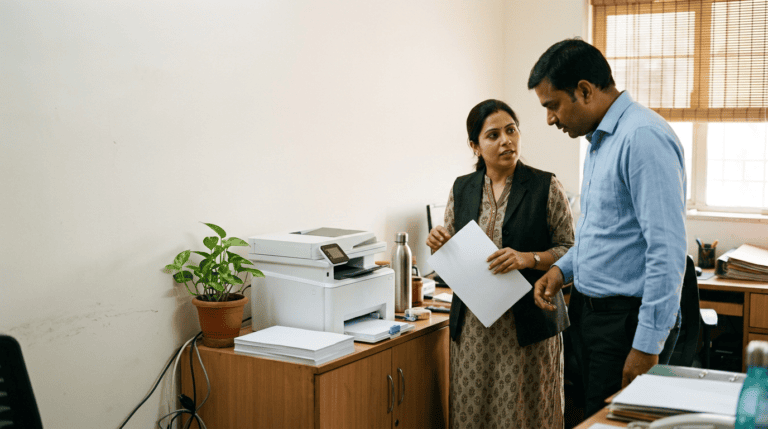
Sneha asked the question that decides these projects. Could the firm keep running the scanner themselves after we left? Yes. That is the point of buying the right unit instead of outsourcing the scan to a bureau. The fi-series is built for a non-technical operator. You train one person in an afternoon. Yaar, that is cheaper than a monthly bureau invoice inside the first year.
The field result: ADF scanner versus the office MFP
Over the last two years our hardware crew has run document-digitization jobs for accounting firms, a law practice, and two clinics across Pune and Mumbai. The pattern repeats. Here is the comparison we walk every office through before they spend a rupee.
| What you care about | Ricoh fi-series, ex-Fujitsu (this install) | Office MFP (the old way) |
|---|---|---|
| Throughput | ~70 pages/min, 100-sheet hopper, runs unattended | One stack at a time, human feeds each batch |
| Mixed paper handling | Receipts to legal size in one pass, auto width-detect | Jams on folds, re-feeds, stops on small slips |
| Double-feed protection | Ultrasonic sensor stops before a page is damaged | None, torn originals are on you |
| File output | OCR text, auto-naming, deskew, blank-page drop | Separate files, generic names, no search |
| Operator | One trained junior, afternoon to learn | Anyone, but nobody sticks with it |
| Right fit | Firms with 10,000+ pages and a deadline | Under 50 pages a week, ad hoc |
The MFP is a fine machine for what it was built to do, which is print and scan the occasional sheet. It is the wrong tool for twelve years of files in nine days. If your office mostly needs sharper everyday printing rather than bulk digitization, the Epson business printer argument we wrote up in Pune is the more useful read. For the wider hardware-refresh budget this scanner usually sits inside, the device-refresh policy memo we built with a Bengaluru CFO covers how to phase the spend.
What to do next: connect the files to your DPDP work
Scanning the paper is step one. Storing it under access control, with a retention clock and a delete policy, is the part a regulator actually asks about. The firm’s digitized archive fed straight into the access rules our compliance crew sets up. If you are mapping that side, our DPDP audit-response plan for a Mumbai bank shows the eight-week version, and the DPDP compliance package is where the scanner project hands off to the policy work. CERT-In guidance on incident handling is the third leg most firms forget until an auditor names it.
FAQ for Indian offices going paperless
How long does it take to digitize a decade of office files? For a 40-person firm with roughly 40 to 60 cartons, plan four to six working days with two people prepping and one scanner running. Prep, meaning staple removal and flattening, takes longer than the scanning. A production unit at 70 pages a minute is rarely the bottleneck. Your hands are.
Can our own staff run a Fujitsu scanner, or do we need IT? One non-technical person can run it after an afternoon of training. The software does the naming, the OCR, and the deskew. We set the folder pattern and the presets on install day so nobody has to think about settings later.
What does a setup like this cost in India? A mid-volume fi-series document scanner lands in a broad band depending on model and speed, and a desktop unit costs far less than a year of outsourcing scans to a bureau. We quote the scanner, the software presets, and one training session as a single number after we count your cartons. No surprise line items.
Is digitizing client files actually safer under the DPDP Act? A locked, access-controlled digital archive is easier to defend than a shared cupboard. It is not automatic safety. You still need retention rules and a delete policy. The scanner gets the paper into a system where those controls can exist at all.
Is it a Fujitsu scanner or a Ricoh scanner? Both, depending on when it was made. PFU Limited builds the fi-series and ScanSnap lines. Fujitsu licensed its name on the box until 2023. Ricoh owns the brand today, and new units ship with the Ricoh logo. The scanner in this Pune install runs the same engineering either way. If a vendor is still quoting you a unit with a Fujitsu badge, ask when it was manufactured.
P.S. Riya here. We ran the same job for a Chennai law office last month. They asked the same question Mr Rao did: why not just keep using the MFP we already own? The honest answer is volume. Under fifty pages a week, the MFP is fine and a production scanner is overkill. Twelve years of files in nine days is a different problem, and the wrong tool turns a one-week job into a three-month one nobody finishes. We tell you which side of that line you are on during the survey, before you spend anything.
Reach us on WhatsApp at +91 91375 93228 during 10-7 IST. Or write to care@siriusstar.in for a file-volume survey. We answer in under 4 hours on working days.
The longer read for Indian buyers who want the real numbers before they commit.
Send me the field guide