AMD EPYC server migration india: a Pune fintech postmortem on a week-two thermal spike
TL;DR: A 220-person Pune fintech consolidated 18 dual-socket Xeon Gold 6248 hosts onto 4 single-socket AMD EPYC 9354P nodes for Postgres, Kafka, and JVM micro-services. Day-1 clean. Week 2 not. Bay 1 chassis intake ran 22 percent hotter than spec; Postgres p99 climbed from 8 ms to 28 ms in the 10:30 IST reconciliation window. Root cause was the vendor BIOS recipe. NPS=1, both 25 GbE NICs in one IO die quadrant, Postgres pinning on the same quadrant. Vulnerability beat: I trusted the OEM workload profile.
This is an AMD EPYC server migration india postmortem, told from a Pune data hall on a Saturday.
06:48 IST. The chassis intake graph went amber
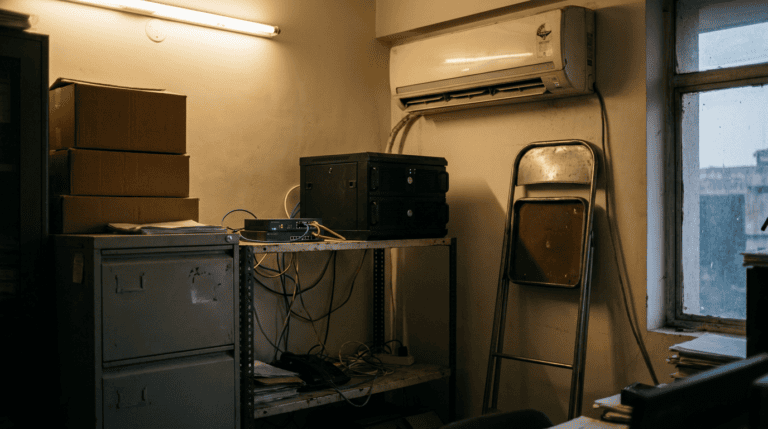
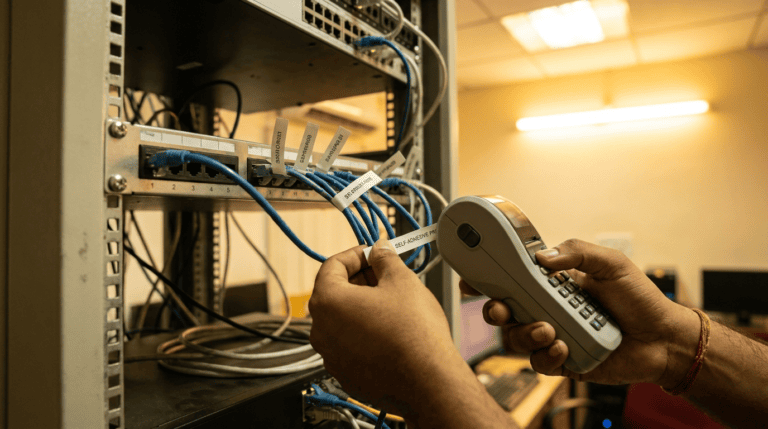
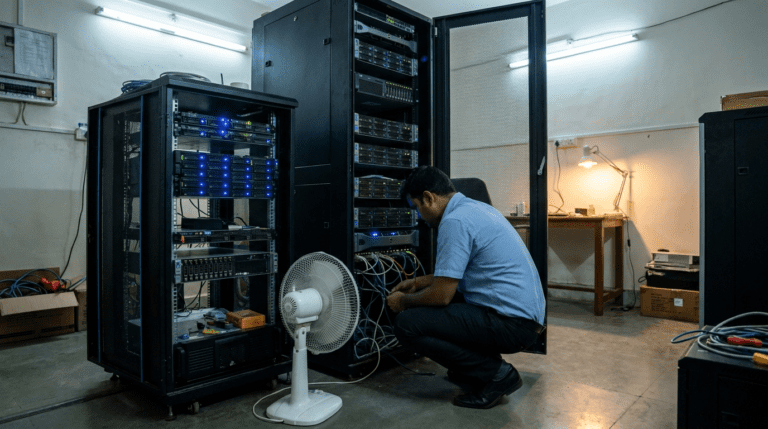
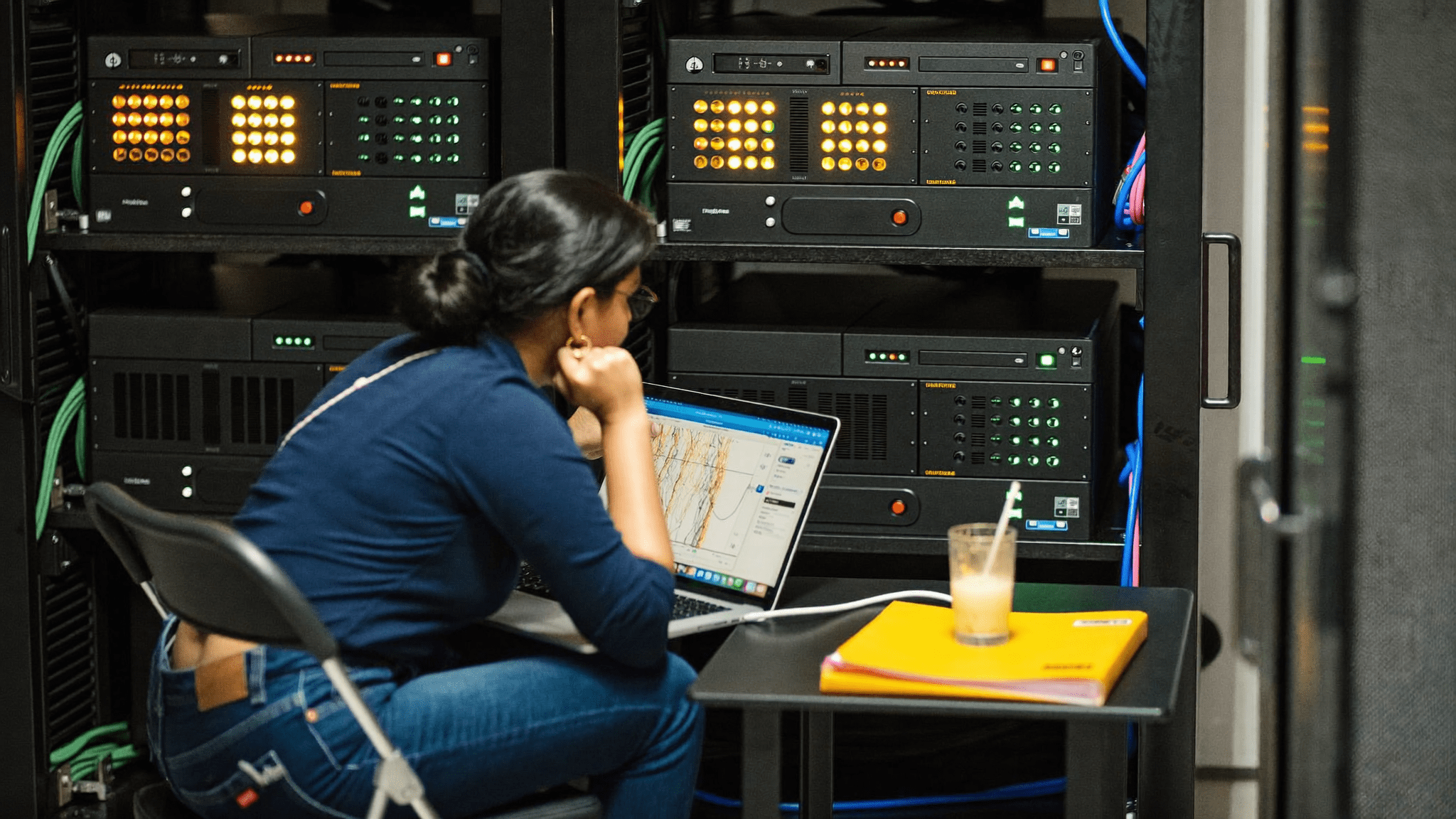
The DL325 rack in bay 4 had a 2019 sticker from a previous tenant. The new four-node EPYC stack lived in the bay next to it, three weeks old, freshly cabled and labelled. The chassis intake dashboard showed three calm greens and one amber. The amber was bay 1.
I had been called in because the database lead, Vivek, sent a p99 screenshot on Friday afternoon. Postgres leader, write path, the 10:30 IST reconciliation window. p99 had climbed from 8 ms to 28 ms over five business days. The batch settlement cron ran on that window. Vivek had been quiet about it for two days. Then he was not.
Two folders on the rack-side table, a glass of thanda nimbu paani the watchman left there at six, and iLO showing chassis intake at 34 degrees C against a 28 degree target. That is not a cooling problem at this load, not at this site.
Why we left 18 Xeon hosts for 4 EPYC nodes
The CFO walked the consolidation math with me in March. Eighteen dual-socket Xeon Gold 6248 hosts from 2020, 720 cores, idle around 380 W per node. The estate ran Postgres 14 OLTP, five-broker Kafka, three Redis nodes, nginx ingress, six JVM micro-services. Twelve of the eighteen ran under 25 percent utilisation. HPE Pointnext renewal was due in October. Precision AC had been complaining since Q2.
Replacement BOM: four single-socket AMD EPYC 9354P nodes in HPE ProLiant DL325 Gen11 chassis. Thirty-two Genoa cores per socket, 3.25 GHz base, 96 GB DDR5 ECC, 2 TB NVMe Gen4, dual 25 GbE. Per-node capex INR 11.8 lakh including 3-year HPE Pointnext NBD. Total INR 47.2 lakh on chassis, INR 6 lakh on rack and cabling. AMD’s EPYC 9004 series page covers the silicon we screened against.
The cost case was idle power. Eighteen Xeon Gold 6248 at 380 W idle is 6.84 kW. Four EPYC 9354P at 220 W is 880 W. Six kilowatts at INR 9.50 a unit on for 24 hours is roughly INR 4.85 lakh a year, before counting the precision AC that runs to remove the heat. That funded the year-one cabling re-route.
Get my free 4-hour quote 200+ businesses across India trust Sirius Star. Response within 24 working hours.
AMD EPYC server migration india: what bit us in week two
Day-1 was clean. Postgres standby caught up in eleven minutes on a 1.4 TB working set. Kafka rebalanced with no under-replicated partition warning. JVM workloads booted on old systemd units. Vivek had a thumbs-up by 17:40. I came home and slept badly. I always sleep badly after a Day-1.
Day-9 was when the graph started bending. Day-12 was Vivek’s screenshot. By Saturday the symptoms were:
- Chassis intake on bay 1 at 32 to 34 degrees against a 28 degree target. Bays 2, 3, 4 within band.
- Postgres p99 on the leader from 8 ms to 28 ms during the 10:30 IST reconciliation window only. Off-peak fine.
- Kafka producer ack latency from 4 ms to 19 ms in the same window. Two brokers reporting under-replicated partitions for 47 seconds then recovering.
- JVM micro-services unaffected. No GC pauses worth a ticket.
Every engineer reached for cooling first. Ruled out in twenty minutes. Airflow clean, cold-aisle tiles open, precision AC tracking set-point. The smoking gun was in the BIOS.
11:30 IST. The PCIe lane map nobody had drawn

The HPE workload profile on a fresh DL325 Gen11 defaults to General Throughput Compute. That sets NPS=1, one NUMA node per socket. EPYC 9354P has eight CCDs around one IO die, but the IO die has four quadrants, each carrying a slice of the PCIe lane budget. Tell the OS there is one NUMA node and the OS does not see the quadrant boundary. The kernel scheduler treats all 64 logical threads as equal. On a synthetic workload, fine. On a real workload that pins Postgres to a fraction of the cores and slams two 25 GbE NICs through the same quadrant, the IO die is a contended resource the OS cannot see.
Both 25 GbE NICs sat in PCIe slot 1 and slot 2. HPE’s slot map put slots 1 and 2 on the same IOD quadrant. Postgres pinned to cores 0 through 15. Those cores live on CCDs 0 through 3, feeding traffic into the same quadrant as slots 1 and 2. At 10:30 IST, when Postgres flushed a checkpoint while Kafka producers fired batch settlement messages, every transaction shared one IO die quadrant. The CPU was not at its limit. The IO fabric was.
I want to be honest. I read the AMD tuning guide six months ago and had not read it again before sign-off. I trusted the HPE workload profile, because Xeon has spent fifteen years training me to. EPYC asks more questions than Xeon does. The HPE ProLiant DL325 Gen11 page sets out the workload profile menu. The defaults are generic.
What we changed, and the receptionist test the CFO did not see coming
Six changes went in across the Saturday afternoon. No hardware swaps. All four nodes back in production by 17:15 with new BIOS settings, new pinning, and a redrawn NIC layout. Chassis intake dropped to 26 to 28 degrees within forty minutes. Postgres p99 at the next morning’s reconciliation window came in at 6.4 ms.
| Change | Why | Time |
|---|---|---|
| NPS set to 2 in BIOS | Two NUMA nodes per socket exposes the IO die quadrant boundary to the OS scheduler. | 20 min reboot |
| Second dual 25 GbE NIC moved to PCIe slot 4 | Slot 4 lives on a different IOD quadrant. Splits network interrupt load. | 35 min re-seat |
| Postgres pinned to cores 32-47 | Same quadrant as the new slot-4 NIC. Postgres writes stop contending with Kafka. | 12 min |
| Kafka brokers pinned to cores 0-15 | Producers fire bursty, Postgres flushes steady. Separating them stops the 10:30 collision. | 15 min |
| HPE workload profile switched to Virtualisation Max Performance | Relaxes the C-state policy and lets EPYC turbo more aggressively on bursty writes. | in BIOS reboot |
| Airflow target from 28 C to 25 C | Cheap insurance while precision AC is under stress. Customer paid INR 0 extra. | 5 min |
Vivek ran the batch at 10:30 IST on Sunday for a dry-rehearsal. It finished at 10:49. The Xeon estate used to take it to 11:17 on a quiet morning. The CFO’s MIS engineer, Karthik, emailed me at 11:18 to ask if his cron had skipped. That email is the receptionist test for this rollout.
Get my free 4-hour quote 200+ businesses across India trust Sirius Star. Response within 24 working hours.
What I would do next time
EPYC sign-off is a NUMA layout document, not a BOM defence document. The PCIe lane map decides whether the receptionist notices the rollout.
One. Draw the PCIe slot to IOD quadrant map for every chassis. The DL325, DL345, DL385, and Dell PowerEdge R7625 maps are each different. Do not reuse last quarter’s diagram.
Two. Set NPS to 2 by default for any workload that pins. Postgres, Kafka, Redis, SQL Server all pin. If the kernel does not see the quadrant boundary, the kernel cannot help.
Three. Read the AMD tuning guide for your exact part and the OEM BIOS guide for your exact chassis. The default is safe and generic.
Four. Pin the NICs first, the application later. The IO die quadrant that owns your network is the quadrant your write path will fight. We did that the wrong way around. Future Riya, NIC first.
Five. Walk the data hall on Day-9 of every consolidation. Day-1 is theatre. Day-9 is where the graph bends. The Andheri bend was a UPS leg, not an IO die, but the lesson holds. Our APC Smart UPS Andheri outage write-up covers that one.
Key takeaways for an EPYC consolidation in India
- 18-to-4 Xeon to EPYC saves roughly 6 kW idle. INR 4.85 lakh a year at INR 9.50 a unit.
- NPS=1 default exposes you on any pinned workload. Switch to NPS=2 unless you have a reason not to.
- PCIe slot to IOD quadrant maps are chassis-specific. DL325 differs from DL345, DL385, Dell R7625.
- Chassis intake temperature is an IO die load signal, not just airflow.
- The receptionist test is when the batch cron finishes early enough that the CFO’s MIS engineer thinks it skipped.
FAQ
How does AMD EPYC 9354P compare to dual Xeon Gold 6248 on cost per core?
EPYC 9354P in a DL325 Gen11 lands around INR 11.8 lakh in 2026 with 96 GB DDR5 ECC, 2 TB NVMe Gen4, dual 25 GbE, 3-year HPE NBD. That is 32 cores at INR 37,000 per core. Dual Xeon Gold 6248 runs INR 8.5 to 10 lakh refurbished, around INR 16 lakh new, at 40 cores for INR 40,000 per core. The gap closes once you count power and rack space.
What is NPS and why does it matter for Postgres on EPYC?
NUMA Nodes Per Socket. Default is 1 on most OEM workload profiles. NPS=2 lets the OS scheduler see the IO die quadrant boundary. Postgres, Kafka, Redis, SQL Server all pin to thread ranges. NPS=2 stops contention you cannot diagnose from a single-NUMA view.
What symptoms point to IO die contention rather than CPU saturation?
Chassis intake 15 to 25 percent over design at moderate CPU. p99 spikes on a specific window with off-peak normal. Network interrupt count clustered on one core range. Kafka producer ack latency rising in lockstep with Postgres checkpoint pressure. Those four together in a 30 minute window point at the IO die.
HPE DL325 Gen11, or is Dell PowerEdge R7625 a fit too?
Either works. PCIe slot to IOD quadrant map differs. The Dell PowerEdge R7625 with EPYC 9354P is fine for the same workload mix. Deciding factor is service van density. HPE Pointnext has wider coverage in Pune than Dell ProSupport in our recent experience.
For this consolidation scoped to your data hall, the Sirius Star AMD EPYC India practice is the front door. The same team wrote the 14-seat NVIDIA RTX rollout and the HPE ProLiant servers India practice. The Lenovo ThinkStation P5 buyer notes cover the workstation side.
Get my free 4-hour quote 200+ businesses across India trust Sirius Star. Response within 24 working hours.
The longer read for Indian buyers who want the real numbers before they commit.
Send me the field guideP.S. Riya here. We have done this consolidation pattern for two other Indian fintechs in six months. The IO die quadrant lesson came from a Hyderabad ride-hailing payments team last quarter. Their CFO asked the same question yours probably will. Is this a hardware story or a NUMA story. It is both. Reply on WhatsApp and I will send the PCIe slot to IOD quadrant map for your exact chassis with a per-workload pinning recipe by end of day.