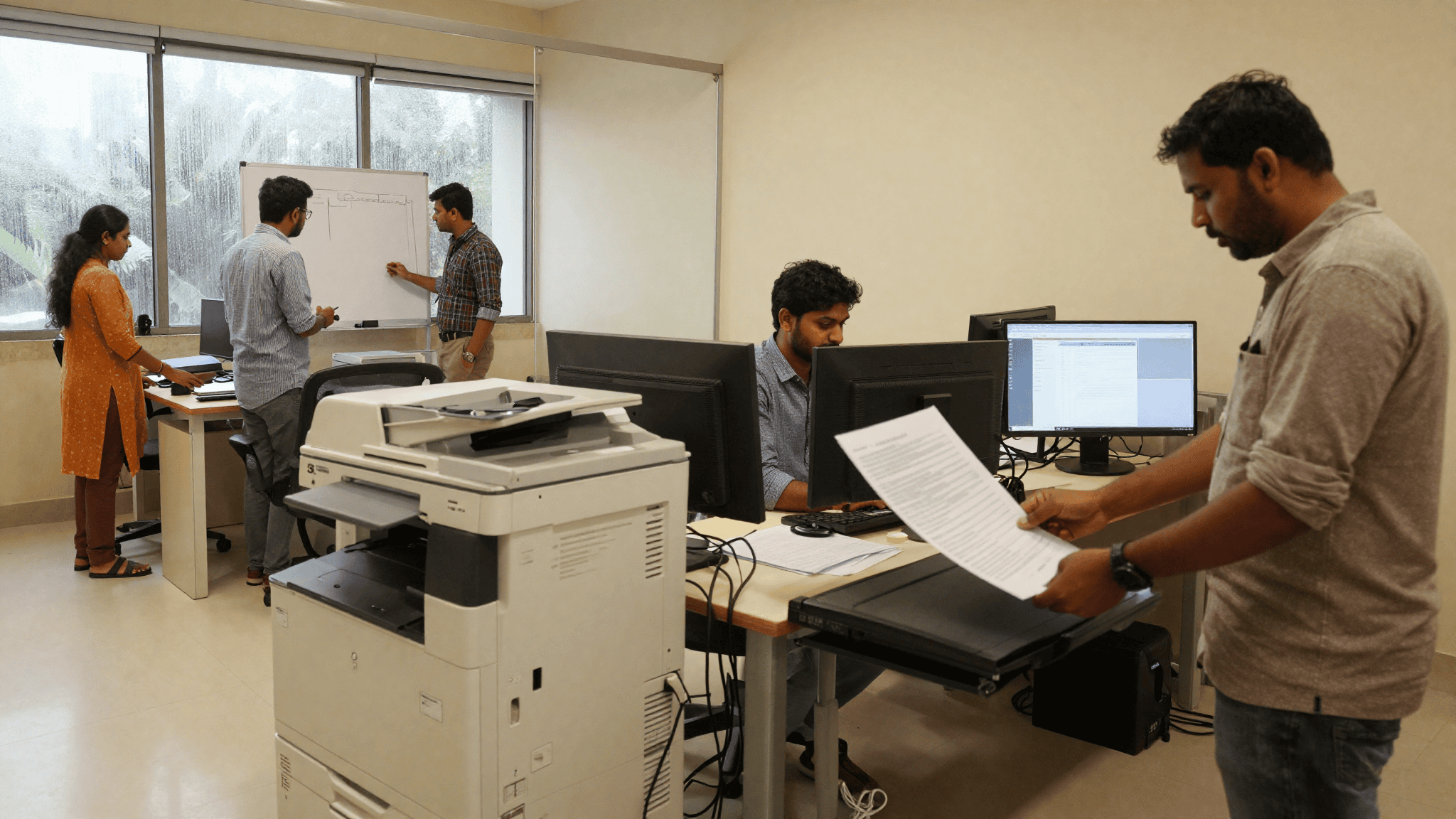
Copier or desktop laser for your office
The argument at the Ahmedabad architecture firm went on for four Fridays.
Fifty people. Two floors of a Prahlad Nagar office. The CFO wanted four desktop lasers, one per team. The office admin wanted one shared A3 copier per floor. Nobody was wrong. Both had done the maths.
I told them we would run both configs side by side for four weeks. Then we would talk again.
What “canon business printers india” actually means in a 50 seat office
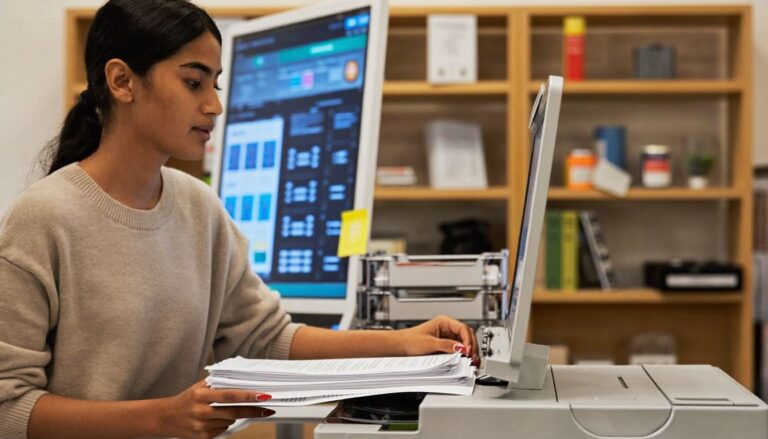
Canon runs two shapes of device that matter for offices this size. The imageCLASS family is the desktop laser. Small, sits on a table, prints 30 to 42 pages a minute, does mono and (some) colour. The imageRUNNER family is the standing copier. A3 tray, big paper drawer, floor unit, does 30 to 55 pages a minute with heavy finishing options.
They look like the same thing on the spec sheet. They are not the same thing at all in an office.
The desktop laser is a personal device that shares. The A3 copier is a shared device that pretends it is central infrastructure. The difference shows up on Monday morning, not on Friday’s quote.
The two configs we set up
Config A was what the CFO wanted. Four Canon imageCLASS MF453dw units. One per team room. Each print job walked to the closest device. Nobody had to leave their floor. Sticker price felt reasonable. Toner would come from a local dealer near Ashram Road.
Config B was what the office admin wanted. Two Canon imageRUNNER 2645 A3 MFDs. One per floor. Everyone walked to the corridor. Big paper drawer meant fewer refills. One consumables schedule per device instead of four.
Same firm. Same four weeks. Same July-Monsoon load. We logged every page.
What the numbers said after four weeks
The desktop lasers together printed 9,140 pages. The two copiers together printed 8,820. Close enough that print volume was not the deciding variable.
CPP told a different story.
| Configuration | Device | Pages / month | Toner + drum ₹/page | Paper ₹/page | All-in CPP mono |
| :– | :– | –: | –: | –: | –: |
| Config A | Canon imageCLASS MF453dw × 4 | 9,140 | ₹0.72 | ₹0.40 | ₹1.12 |
| Config B | Canon imageRUNNER 2645 × 2 | 8,820 | ₹0.31 | ₹0.36 | ₹0.67 |
The copier printed at roughly 60 percent of the desktop’s per-page cost. Multiply that by an office that prints 100,000 pages a year and the delta is ₹45,000. Not life-changing. Not nothing.
But that was not the number that ended the argument.
Who owns the printer when everyone owns the printer
The Config A rooms had a problem nobody had budgeted. Every team room now had a printer. Every team room now had an argument about who buys the next toner, who calls the dealer when the drum smears, who owns the paper stock, who cleans the roller when it eats an invoice.
The junior designers ended up doing all of it. Because juniors always end up doing all of it.
The Config B floors had one printer. So there was one owner per floor. So there was one WhatsApp to send when a job jammed. Bas.
This is the part every “cost per page laser copier india” article on Google skips. The politics of shared print. The A3 copier is a slower way to get to your paper. It is a much cleaner way to run an office.
Free 4-hour quote. No card. No contract. No sales call.
Where the desktop laser still wins
Do not read this and buy two copiers.
The desktop laser wins in three specific scenes.
One, when a small team prints sensitive material and the output tray should not be a public place. Legal opinions. HR letters. Payroll runs. The RBI note that says “print, sign, shred.” A desktop laser inside a locked room is the correct answer. A shared MFD in a corridor is not.
Two, when the office has an odd floor plan. A one-floor tenancy that is 6,000 square feet with a corridor bend in the middle. Walking to the shared copier becomes a ten-minute round trip. That kills productivity in a way no spreadsheet catches.
Three, when your monthly print volume is genuinely small. Under 800 pages a month per team, you are not amortising the A3 copier’s lease. A ₹22,000 imageCLASS makes more sense than a ₹1.2 lakh imageRUNNER sitting idle.
Where the shared A3 copier still wins
Everywhere else. But especially in four cases.
Colour. The imageRUNNER 2645 does clean colour brochures. Desktop colour lasers can too, but colour toner on a small device is where the real sticker shock lives. A team lead who prints 100 colour pages a month on a desktop laser is on a fast path to a ₹28,000 toner bill.
Finishing. Stapling. Booklet folding. Hole punch. If your firm produces reports, tenders, proposals, this feature alone pays for the copier.
Paper drawer. A 2,300 sheet drawer means the person who refills paper is doing it once a fortnight. A 250 sheet drawer means someone is refilling it every day. Nobody signs up to that job.
Duty cycle. A copier is built to handle 8,000 to 30,000 pages a month. A desktop laser is built to handle 2,500. Push the desktop past its duty and the drum surfaces start to fail at month nine. The imageRUNNER at 8,000 pages a month is barely warmed up.
What Canon actually ships for Indian offices right now
In May 2026 Canon India added the imageFORCE C3150, a 50 ppm A3 colour MFD, to the portfolio. That sits above the imageRUNNER 2600 series and below the production lineup. For a 60 to 100 seat office with colour needs, it now competes directly with the Ricoh IM C-series and the Xerox VersaLink C7000 series.
Below that Canon still sells the imageRUNNER 2645 and 2635 (mono A3 MFDs) which is what most 40 to 80 seat firms actually end up buying. The desktop line is the imageCLASS MF-series. The mono workhorses are the MF453dw and MF465dw. The colour desktop is the MF641Cdw range.
Service reach in India is not the same as service reach in a press release. Canon runs 197 dedicated copier service dealers and 325 printer repair centres, per their business site. That matters when your imageRUNNER throws a fuser error on a Wednesday afternoon and you need a technician the next morning. Local dealer proximity is a real variable in India, not a marketing line.
The volume-tier decision (skimmable version)
| Team monthly print volume | Best fit | Why |
| :– | :– | :– |
| Under 2,000 pages | imageCLASS desktop laser | Copier idle time. Toner shelf life issues. |
| 2,000 to 8,000 pages | Split: one imageRUNNER for the shared floor + one imageCLASS for the secure room | Cheapest CPP with clean governance. |
| 8,000 to 20,000 pages | imageRUNNER 2645 or 2600 series per floor | Duty cycle sits in the sweet spot. |
| 20,000+ pages | imageFORCE C3150 or Canon production line | Colour, media handling, finishing. |
| Colour brochures monthly | imageFORCE C3150 or imageRUNNER Advance DX C-series | Desktop colour laser CPP is a trap. |
| Secure legal or HR print | imageCLASS in a locked room | Corridor output tray fails the compliance test. |
The bit our clients keep asking
“Should I buy or should I lease?”
Buy an A3 copier and you own a 60 kg machine that depreciates for five years. Lease it on a per-page contract and the vendor owns the toner, the drum, the maintenance, and the SLA. For most Indian 40 to 100 seat firms, per-page contracts at ₹0.55 to ₹0.75 mono all-in are the correct answer. It moves capex to opex, and it means the SLA is the vendor’s problem instead of yours.
Desktop lasers make more sense to buy outright. They are cheap enough that a five-year TCO does not swing much either way, and per-page contracts on small devices carry a floor charge that hurts if you print less than the minimum.
What we recommended in Ahmedabad
Two Canon imageRUNNER 2645 units, one per floor, on a per-page contract with the local Canon dealer. One imageCLASS MF465dw inside the partner’s office for confidential prints. Total monthly outlay landed 18 percent lower than four desktop lasers. The office admin got her governance. The CFO got his lower per-page cost. Nobody had to buy toner on their credit card.
The junior designers went back to being junior designers.
200+ Indian offices already running Canon on our contract. Free 4-hour quote.
FAQ
Is a Canon imageRUNNER copier worth it for a 30 person office?
If the office prints more than 2,000 pages a month combined, yes. Below that, one imageCLASS desktop laser plus a small A4 scanner covers the need for a lower upfront outlay.
Why is the toner alone so expensive on a desktop laser?
Desktop laser cartridges are engineered for 2,500 to 6,000 pages of yield. Copier toner bottles hold 15,000 to 40,000 pages. Cost per page follows the yield. This is why “cost per print” on forums keeps coming back to toner sticker shock. The cartridge is not the printer; it is the running cost you signed up for.
How does Canon compare to Xerox and Ricoh for Indian offices?
All three run credible A3 MFDs in the 25 to 55 ppm band. Canon’s service dealer network is deeper for mid-market SMEs in Tier 2 and Tier 3 cities. Xerox holds mindshare in enterprise. Ricoh is strong in shared-services floors. We fit the vendor to the office, not the office to the vendor.
What if we already own four desktop lasers and it is not working?
Keep two in the rooms where confidential print happens. Redeploy the other two to backup use. Add one shared A3 MFD per floor for the general print load. Do not throw the desktops out; retire them into secondary use.
Can we mix Canon copiers with a non-Canon print management tool?
Yes. Canon’s uniFLOW is native and well integrated for pull-print, follow-me, and cost centre reporting. If you already run PaperCut or Y Soft, both integrate with Canon MFDs through the standard MEAP framework. Do not scrap a working print management tool to switch platforms.
Is a colour desktop laser ever the right answer?
For under 200 colour pages a month and a design-heavy team of three or four, yes. Above that volume the A3 colour MFD wins on toner economics and reliability. Most colour desktop lasers we deploy are for founder offices and marketing pods, not for whole departments.
What to do next
If you are staring at a printer quote and cannot tell whether the CPP is fair, send it. We will read it against the 200+ configurations we have shipped this year and tell you where the number is padded, where the service SLA is thin, and whether a per-page contract makes more sense than an outright buy. Free. Four hours. No sales call unless you ask for one.
Related reading from us: Cost per page, not sticker price · Standardising printers across branches · Laser or ink tank for your office · Securing the office MFD · Never run out of toner again.
For the full Canon business printers india lineup with rupee pricing, service network coverage, and per-page contract options we support, that page has the vendor grid.
P.S. Riya here. I keep meeting founders who are on the wrong side of this decision. Four desktop lasers, two junior designers who quietly hate their jobs, one CFO who cannot understand why the toner bill is ₹9,000 a month. It is almost always a fixable problem. Reply with your floor plan and last three toner invoices. We will tell you in 24 hours whether a switch is worth it.
Free 4-hour quote. Slots free until end of July. 200+ Indian offices already on Canon with us.
Reach us on WhatsApp at +91 91375 93228 during 10 to 7 IST. Or write to care@siriusstar.in.