We swapped 180 random mice for Logitech business accessories. Here is one IT lead’s Friday in Lower Parel
The mouse drawer at 09:40
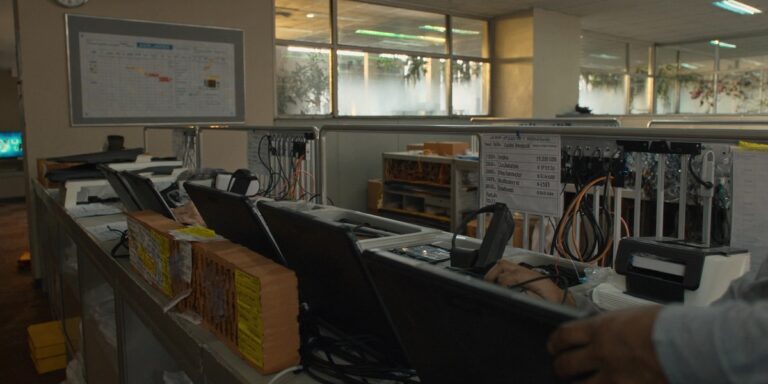
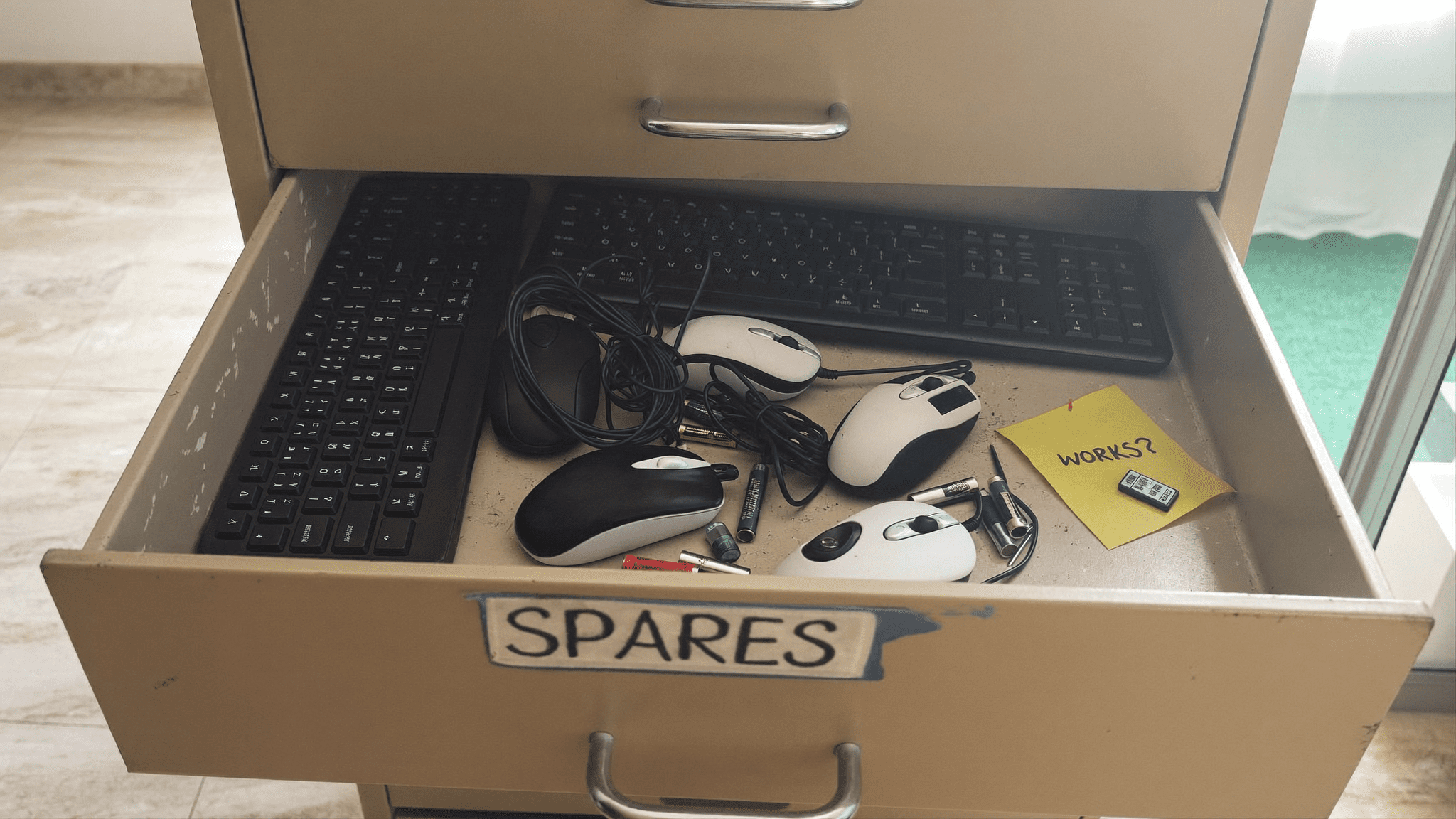
The IT room at our client’s Lower Parel office has a drawer marked “spares.” It rattles. Inside, the last time I opened it, there were four mouse brands, three keyboard brands, two unopened tablets that nobody wanted, and a single dongle taped to a Post-it with the word “WORKS?” on it.
Bas. That drawer was the project brief, really.
The IT lead, Karan, called me on a Wednesday. He had three things on his standup that morning. A finance analyst who said her wrist had been clicking for a month. A founder who was tired of “the keyboard with the missing F key” on the boardroom Mac. And six L1 tickets in seven days, all variations of “mouse not working.”
Arre, yaar. Six tickets. Same drawer.
He asked me to come in on Friday. Not for a vendor pitch. He wanted me to walk the floor.
What I actually do on a floor walk
I do not start with the spec sheet. I start with the receptionist. This is canonical for me by now and there is a reason.
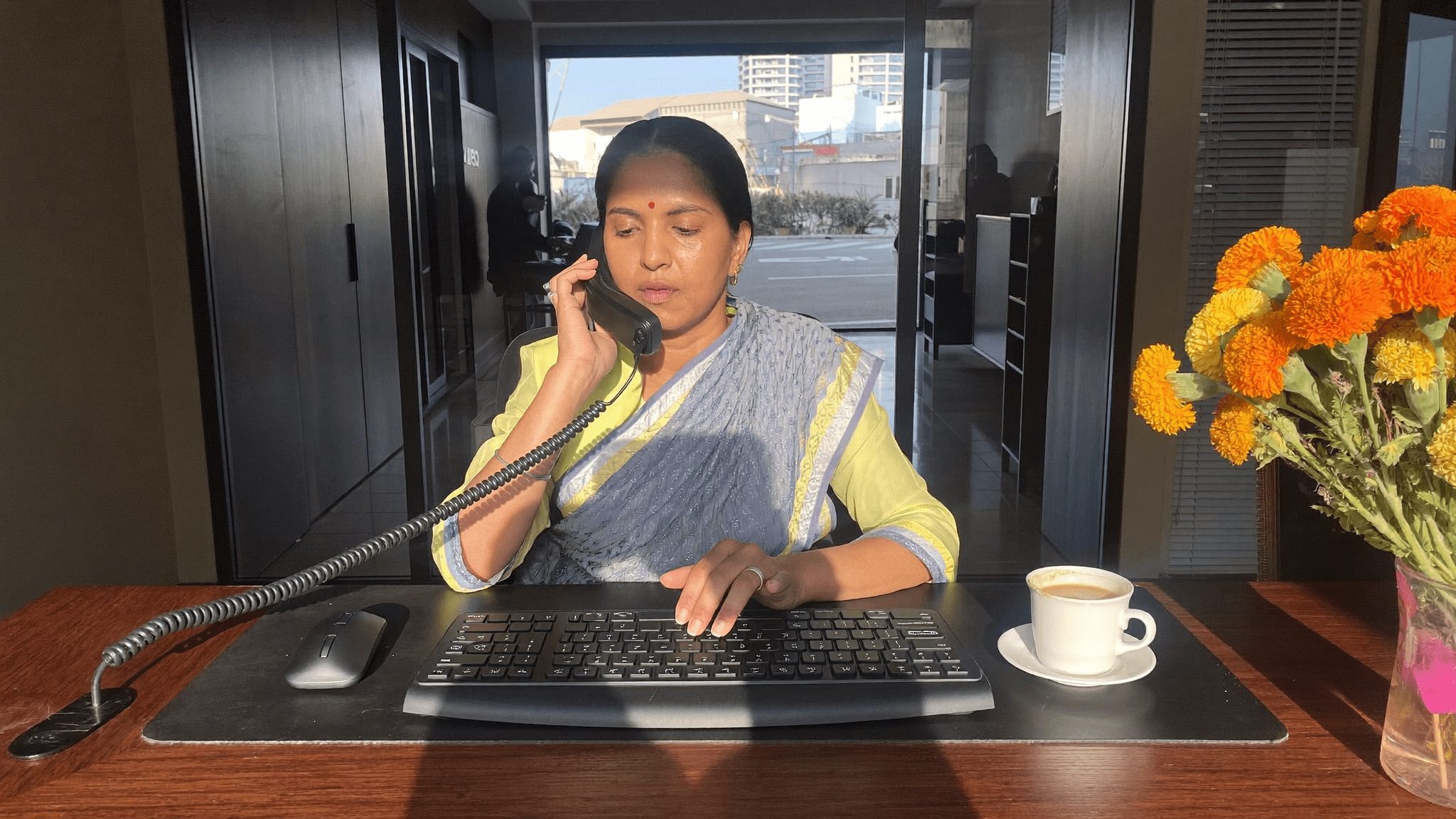
The receptionist at this client has been with them since the Bandra office. She uses her mouse from 9:30 to 6:15, with a thanda chai break at 11. If her mouse is fine, the front desk is fine. If her mouse is dying, you will hear it before any ticket gets logged, because she will tell whoever walks past. I always start there.
Her mouse, that morning, was a generic optical thing somebody had bought during the 2022 hybrid panic. The right click was sticking. She had two AA batteries on the desk. She said, in that exact tone receptionists use, “It works most days.”
That sentence is the whole problem with un-standardised accessories. “Most days.” Multiply by 240 people.
What 180 random mice cost
I sat with Karan and we counted what was actually on people’s desks. Out of 240 staff in the office, 180 had a mouse + keyboard combo that the company had bought. The rest had brought their own, mostly Apple, mostly designers and the leadership team.
Of the 180:
| What we counted | Number |
|---|---|
| Brands of mouse in active use | 4 |
| Brands of keyboard in active use | 3 |
| Devices needing a dying battery swap | 22 |
| Wrist braces stashed in drawers (asked, not assumed) | 9 |
| Receivers that did not match their original mouse | 14 |
| Tickets per week, accessory-related, last 8 weeks (avg) | 6.1 |
Each L1 ticket is roughly 22 minutes of his support engineer’s time, plus the user’s lost time. We did not bother converting to rupees. We just sat with the number 6.1 for a bit.
Pakka, this is where most IT leads stop. They tag the problem as “annoying, not urgent.” They put it in the “Q3 maybe” pile. They go back to the firewall renewal.
Karan did not. He had the wrist-brace number in his head and he did not want a workplace injury claim on his quarter.
The Friday walk
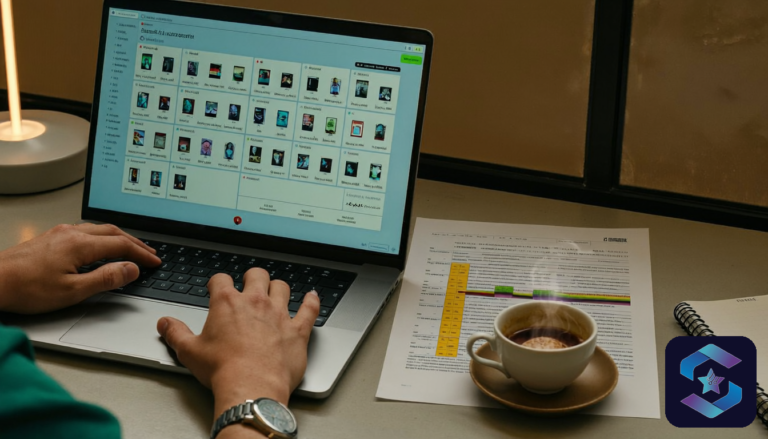
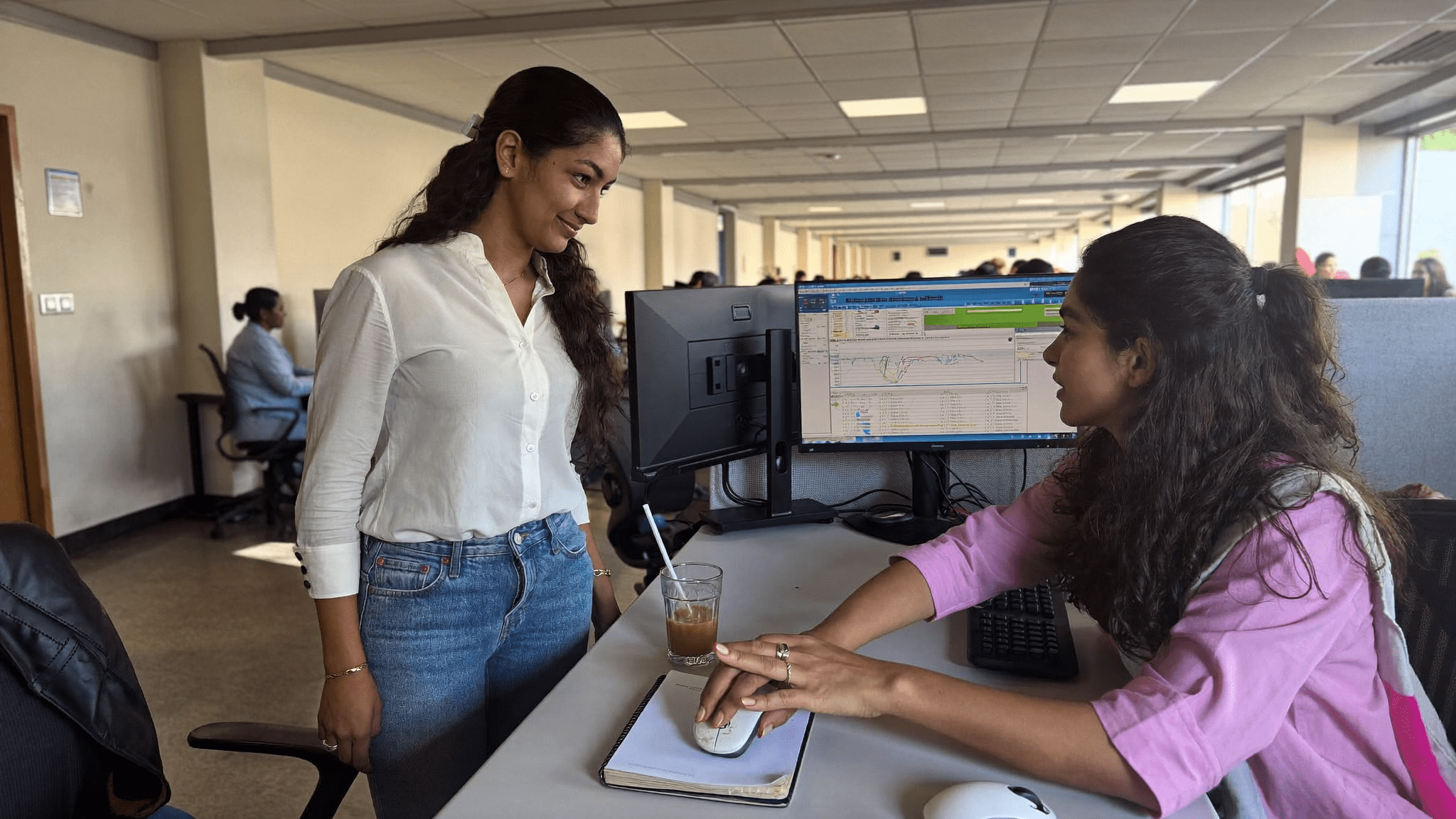
We started at 10:15 from the founder’s office and walked floor 1, then floor 2, then the boardroom row, then HR, then the open finance bay, then the design pod, then back through reception. Standard tour. I asked one question at each desk. “What is annoying you about this mouse or keyboard, today?”
Achha. Here is what people said.
- The finance analyst who had been clicking through 80 Excel rows a day said her current mouse had no horizontal scroll. She had been using shift + scroll for two years. Her wrist click was real.
- The CXO assistant had bought a Logitech MX Keys herself, off Amazon, because the office keyboard was dying. Asked me not to tell Karan. I told Karan.
- The lead designer wanted a quiet mouse. Not for ergonomic reasons. Because her cubicle was next to the partner cabin and the partner said the click was driving him mad on calls.
- One of the partners showed me a wrist brace. Velcro. Faded. “From 2019,” he said, and laughed. He did not laugh long.
- The receptionist, on the way out, said the boardroom keyboard had a sticky H.
Six conversations. Two were ergonomic. Two were noise. One was a power user begging for productivity features. One was the front desk.
Not one of them, by the way, had logged a ticket.
Why Logitech business accessories in India end up being the answer
I have been doing hardware standardisation in Indian offices for nine years. Every two years somebody asks, “is there a cheaper option than Logitech for the volume buy?” There is. I have tried several. They come in 35 to 50 per cent lower. They also come back in with higher ticket volume, faster battery drain, and a receiver compatibility jhamela you do not want at scale.
The four lines I picked, on the floor walk, were not glamorous. They were:
- Logitech MX Master 3S + MX Keys S for power users. Finance analysts, design leads, CXO desks. The horizontal scroll, the quiet click, and the MagSpeed wheel are not features for everyone, but the finance team and designers will feel them in the first hour.
- Logitech MK540 Advanced for general staff. Wireless, full-size, AA batteries that actually last ten months. Nobody notices it, which is the point.
- Logitech ERGO M575 trackball for the people in wrist braces. A trackball is not for everyone. The four staff who had real RSI took to it within a week. Two did not, and we left them on standard MX.
- Logitech ERGO K860 split keyboard for two people, one of them the partner with the 2019 brace. He resisted for a day. By day three he had stopped clicking through to Sudeep on Slack to complain.
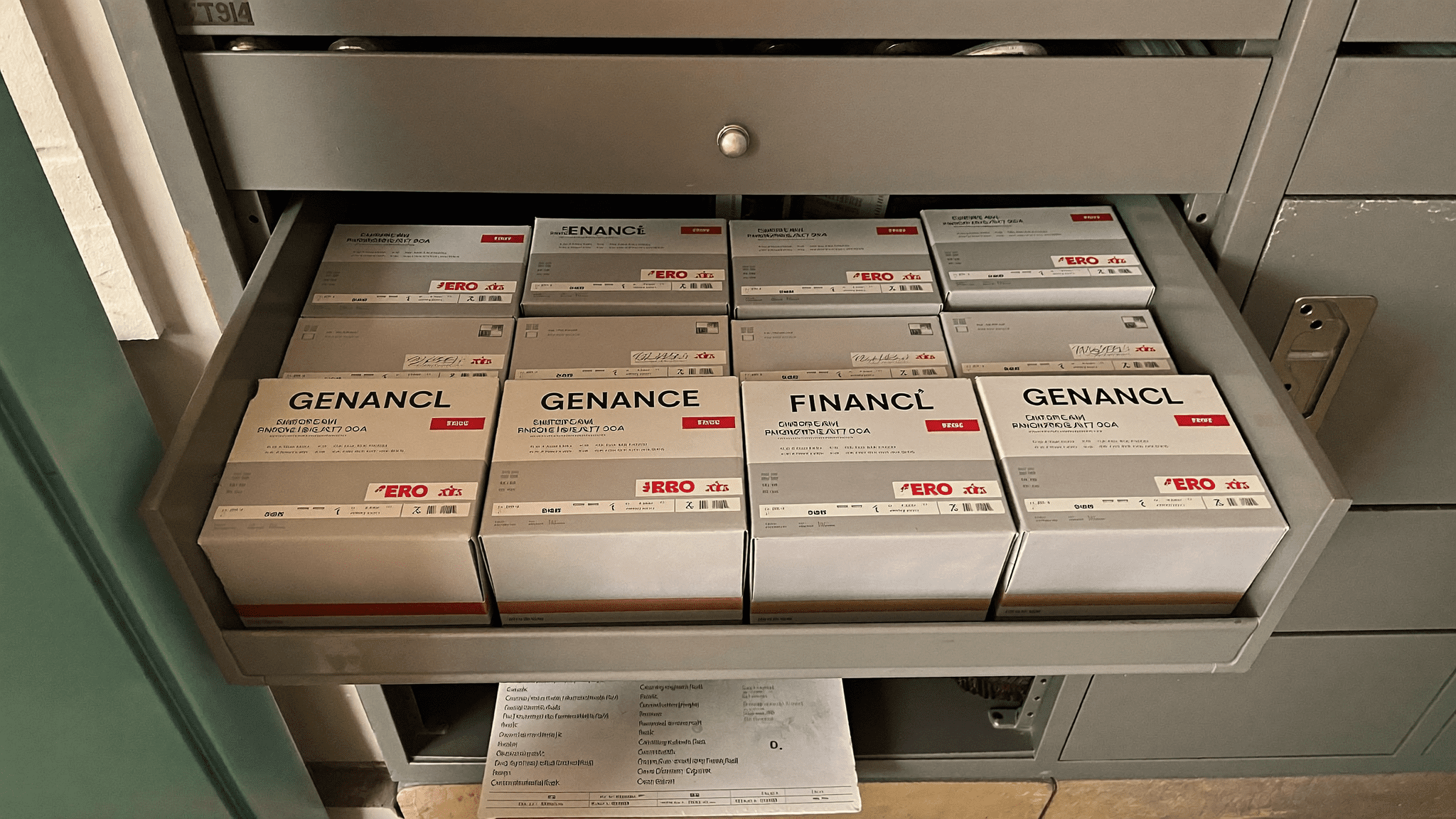
We added Logi Bolt receivers for the lot, retired the old unifying dongles, and labelled every box. Karan’s drawer of spares now has eight boxes. All Logitech. All matched to receivers. The Post-it with “WORKS?” is gone.
The argument with finance
Bhavna, the CFO, did not say no. She asked the question every CFO should ask. “Are we standardising on Logitech because the IT team is comfortable with it, or because the alternatives are actually worse?”
Fair question.
I showed her three years of L1 tickets at two other clients where we had run the same exercise. One stayed on a budget brand. One went Logitech. The Logitech client saw a 71 per cent drop in accessory-related tickets in the first 12 weeks and held the gain. The budget client saw a 14 per cent drop, mostly because they had bought new, then drifted back to the same volume by month six as the cheap mice started failing.
Bhavna nodded once and signed it off.
This is the only graph I take to a CFO meeting. The ticket-volume one. Not the wrist injury one. Not the productivity one. Just the L1 ticket count, before and after. CFOs trust ticket counts because finance owns the support bill, even when IT runs the queue.
Day 1 of the rollout
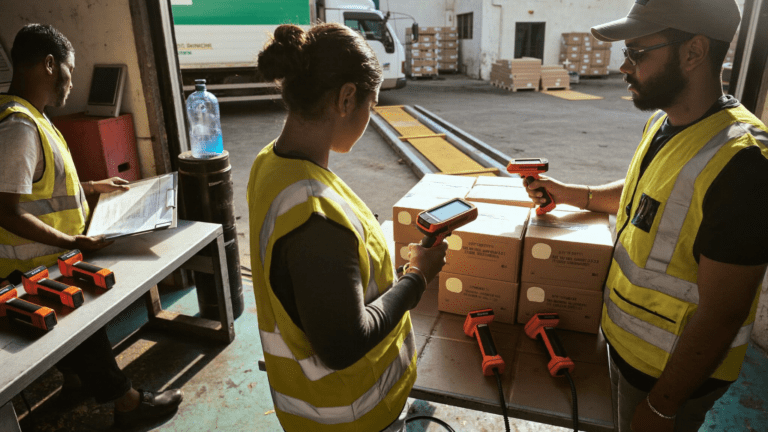
We did the rollout on a Saturday morning. 9 AM to 1 PM. We staged the boxes by floor and by user category. The finance bay got MX. The general staff got MK. The four RSI cases got the ERGO M575. The partner got the K860 with a small note attached, which I wrote myself, that said “give it three days before deciding.”
By Monday lunch, Karan had received four DMs, all positive. By Friday, the L1 ticket count for the week was one. Not six. One.
The receptionist’s new MK540 is still on her desk eighteen months later. Her chai is still thanda by the time she finishes the 11 AM call queue. The mouse is fine. “Most days” became “every day,” which is what we paid for.
See the Logitech business accessories range we deploy
Where I changed my mind
I came in assuming the partner would refuse the K860. Flat keyboard for fifteen years, famously fast typist, the one most likely to send a “this is useless” mail to Karan on day one.
He did not. He sent a one-line WhatsApp on day six. “Wrist quieter. Keep it.” That was the full message.
The resistance came from the middle, not the top. Two managers said the split layout looked “weird on Zoom video.” That is a real objection. We did not push them. They are still on MX Keys S.
The ERGO line is not a default for a full fleet. It is for the people who have already started favouring one wrist over the other. If you have not been on a floor walk in the last quarter, you do not know who those people are.
What I would tell another IT head
If you are reading this and thinking about your own drawer of spares, three things.
First, do the floor walk before you ask for a quote. The quote is the easy part. The interesting work is the conversation at each desk. People will tell you things they will not put in a ticket.
Second, do not buy the whole Logitech range. Buy three SKUs at most. MX for the power users, MK for the general fleet, ERGO for the people who have already shown you their brace. Anything more than three SKUs and you are running a small store, not a fleet.
Third, label everything. Receivers, boxes, spare batteries. Karan’s IT drawer now has neat eight boxes and a printed sheet that says which SKU goes to which user category. The drawer is the most boring photo on his phone. It is also the reason his support queue is short.
Hardware works best when it disappears into the work. That is the Riya Kapoor test for a fleet. If nobody is asking about the mouse, the mouse is the right mouse. Standardised Logitech business accessories in India, in my experience across about two dozen Indian offices now, pass that test more often than the alternatives at the price point.
Talk to us about your fleet standardisation
Related reading on the Sirius blog
If you are doing this exercise, also read the OptiPlex vs Mac mini bake-off for the desktop side of the same problem, the DaaS vs buying laptops total cost in India piece for how leasing math changes the accessory question, and the best Dell laptops for Indian SMBs guide if your laptop fleet is on Dell. The IT hardware solutions hub lists the brands we actively procure for.
Key takeaways
- The drawer of spares is the project brief. If your IT team has a drawer with four mouse brands, you have a standardisation problem hiding as an annoyance.
- A floor walk is cheaper than a vendor briefing. People tell you things at their desk that they will not log in a ticket.
- Three Logitech SKUs cover most Indian office fleets. MX for power, MK for volume, ERGO for the people who already brought their wrist brace from home.
- The L1 ticket count is the only graph you take to the CFO. Wrist injury data lands in HR’s lap, not finance.
- Receivers and labels matter as much as the device. A dongle without a label is a future ticket.
FAQ
Are Logitech business accessories worth the premium over local Indian brands?
At fleet scale, on my numbers, yes. The line item is 35 to 50 per cent higher. The ticket count drop, in every standardisation I have done, has paid that back in 18 to 24 months. Below 50 users, the math is closer.
Which Logitech keyboard for finance teams who live in Excel?
MX Keys S. Full-size layout, function row, dedicated numeric keypad. Finance analysts use the calculator keys daily. They do not need ERGO K860 unless they already have a real wrist issue.
Is the ERGO M575 trackball good for everyone with wrist pain?
No. About six in ten people I have moved to M575 stayed on it. The rest moved back to MX after a week. Trial on a small group first.
What is Logi Bolt and do I need it?
Logi Bolt is the secure receiver that replaced the older Unifying dongle on the business range. For an office fleet, you want Bolt. It pairs more devices per receiver and is more secure.
How long should a Logitech business accessory last in an Indian office?
MX line, five to six years on a desk. MK line, four to five. ERGO K860 goes longer because the split board is gentler on the membranes.
P.S. Riya here. We standardised a 312-person law office in Powai last quarter on the same three Logitech SKUs. Same drawer problem, same partner with the 2019 wrist brace, same Friday floor walk. If your IT team is one drawer of spares away from running an internal stationery shop, write to me on WhatsApp and we will walk your floor on a free 4-hour visit. No card, no contract, no sales call. Audit slots free until end of month.
The longer read for Indian buyers who want the real numbers before they commit.
Send me the field guide