MAXHUB interactive display for Indian training rooms: a Pune L&D day-1 diary
09:14 IST, June 2026. The MAXHUB interactive display for Indian training rooms had arrived on Friday. The 4th-floor space smelled of fresh wax polish and thanda chai. We had two and a half days to get the panel on the wall, on Teams, and on the L&D calendar. Meera was the head of L&D at a 1,100-person IT services firm in Hinjewadi. Mid-40s, slept badly the night before, a coffee in her hand that had not done much.
The old NEC projector had a personality. It came on. It went off. Twice in March it took a holiday. Meera’s HR partner had already googled the wedding-hall AV rates as a Plan B.
Why the projector finally got replaced
7 years is the polite age for a business projector. After that it gets expensive in odd ways. The lamp had been replaced twice. The HDMI dongle worked best on alternate Tuesdays. The Polycom was loud enough for a 6-person huddle. The training room had 28 chairs.
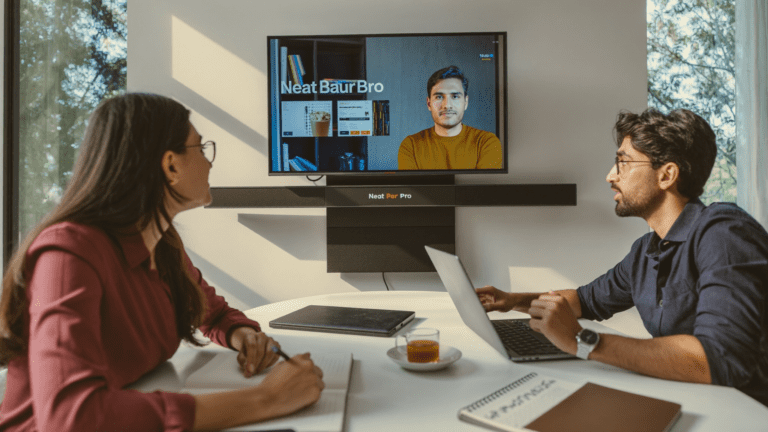
Meera had two specific problems. The first was the satellite branches. Every new-hire batch had two or three remote joiners from Indore or Coimbatore. The current ritual was a Teams call on a laptop balanced on a stool. The remote trainees saw the back of Meera’s head and a glare strip across the slide.
The second was the whiteboard. Meera ran a SOLID-principles session that needed a real diagram. The dry-erase markers had aged into ghosts. The room had been built around a projector because someone, in 2018, decided that is what a training room was.
The MAXHUB V6 86-inch, in three days
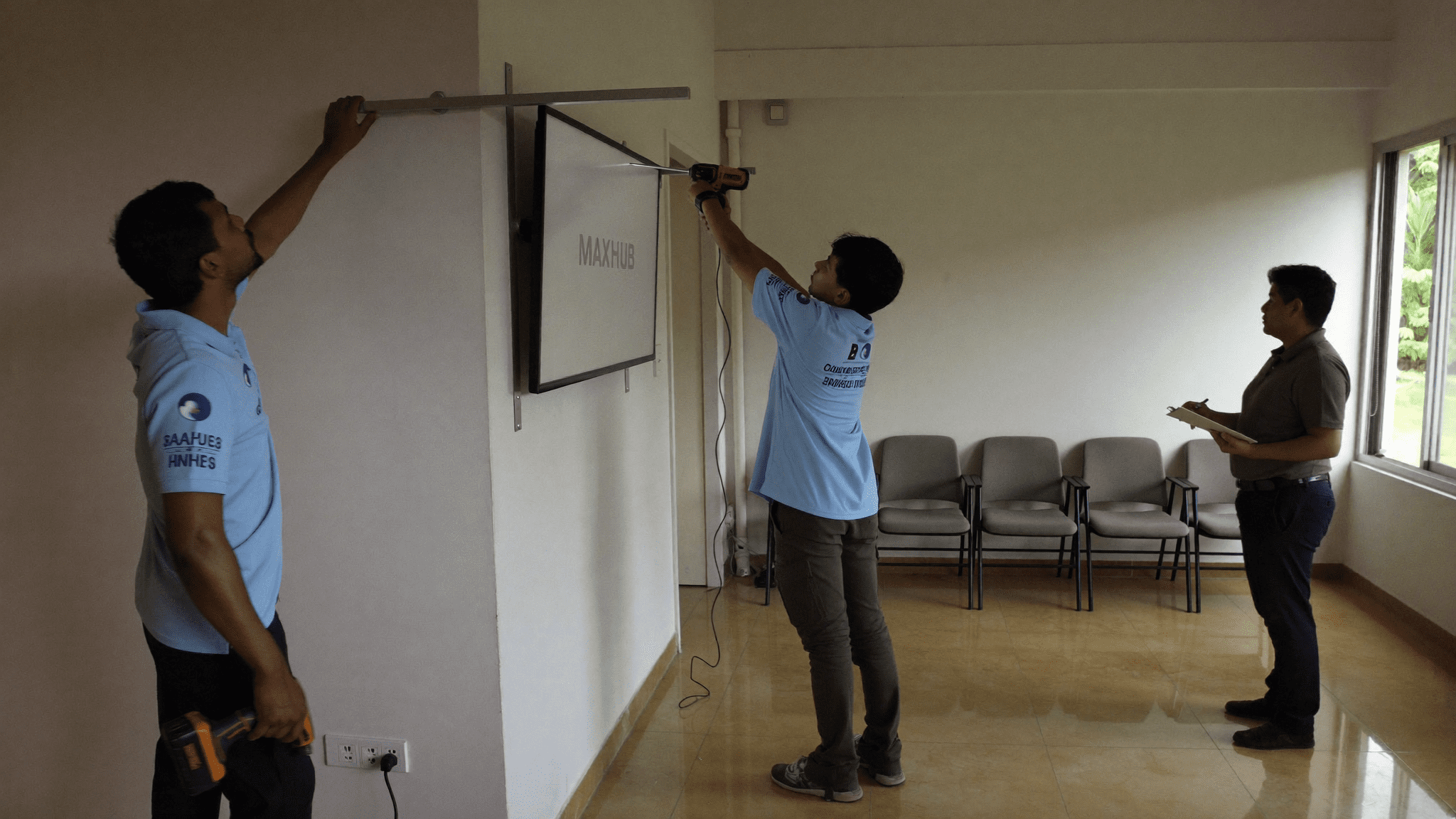
Sirius Star shipped a MAXHUB V6 86-inch interactive flat panel. Built-in 4K camera. AI beamforming mic array. OPS slot for a Windows mini PC. Both Teams Rooms and Zoom Rooms certified.
Day 1 was wall reinforcement. The plaster wall behind the old projector screen was hollow. The watchman had opinions. He was right.
Day 2 was the bracket and the IFP. Two engineers, one drill, one site supervisor with strong opinions about anchor depth.
Day 3 was the soft work. OPS PC in the slot. Domain join. Teams Rooms profile. The AC unit at the back of the room had a hum the MAXHUB mic picked up, so we moved the mic profile to focus the front cluster.
Friday evening, Meera ran a dry test. The Teams gallery showed five faces from the room and one from “Indore.” The annotation pen worked. Bas.
Get my free MAXHUB room walk-through for our training floor.
Monday, 9:14 AM, the batch starts
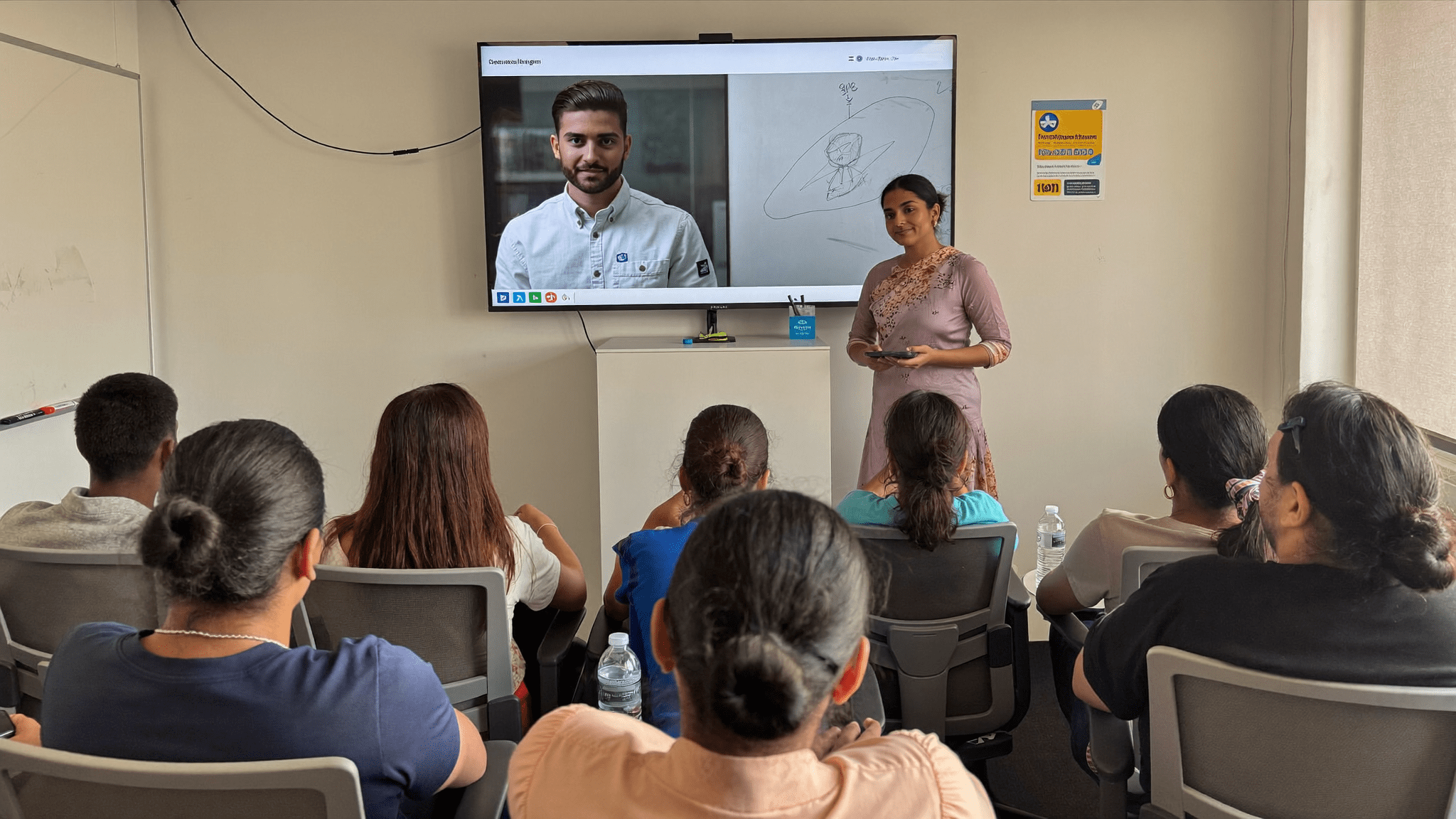
The 25 fresh joiners filed in. Two trainees on Teams from Indore, one from Coimbatore. Meera tapped the MAXHUB awake. The OPS PC was logged in. The Teams Rooms screen lit up.
The Indore trainee waved on screen at full HD, on the 86-inch panel. Not on a stool laptop. The room saw him. He saw the room.
“Camera follows the speaker, ma’am?” he asked. Pakka, said Meera. The MAXHUB camera framed her, then the back row when she stepped back, then her again at the IFP. The annotation pen drew over the slide. The Indore trainee saved the diagram to OneDrive from his side.
I had assumed the room camera would be the weak link. It was the second-weakest. The dongle was the first, and there is no dongle. The batch finished at 5:30 PM. No projector restarts. No HDMI re-handshakes.
The week-2 receipts
By end of week 2 the L&D team had run 11 sessions. Indore and Coimbatore joiners were equal participants, not background heads. The whiteboard saves landed in OneDrive automatically, TeamShare scope, not the trainer’s personal drive.
The HR partner stopped asking for the wedding-hall AV backup quote. The Plan B went into a drawer.
| Old room (NEC + Polycom + dongle) | New room (MAXHUB V6 86-inch) |
|---|---|
| 7-minute warm-up before every session | Wake on tap, ready in 12 seconds |
| Remote trainees on a laptop stool | Remote trainees full-size on the IFP |
| Whiteboard saves via a phone photo | Whiteboard saves to OneDrive, auto-named |
| HDMI dongle dependent | OPS slot, no dongle, no fuss |
| Polycom built for 6, room held 28 | AI mic array, full-room pickup |
| Annotation in dry-erase ghost grey | Annotation pen, 4K, in colour |
What the CFO actually asked
The renewal conversation came up six weeks later. The CFO did not ask about ROI. He asked one question. “What does the L&D head want next.”
Meera’s answer was specific. A second IFP for the boardroom. The 4th-floor room had stopped being a “training room” and started being the room people booked when they needed remote participants to count. That is the receptionist test.
We ran a BenQ laser projector bake-off for the same firm earlier, for a different floor. The MAXHUB IFP is a projector replacement where you need remote participants to actually participate.
What we’d do differently
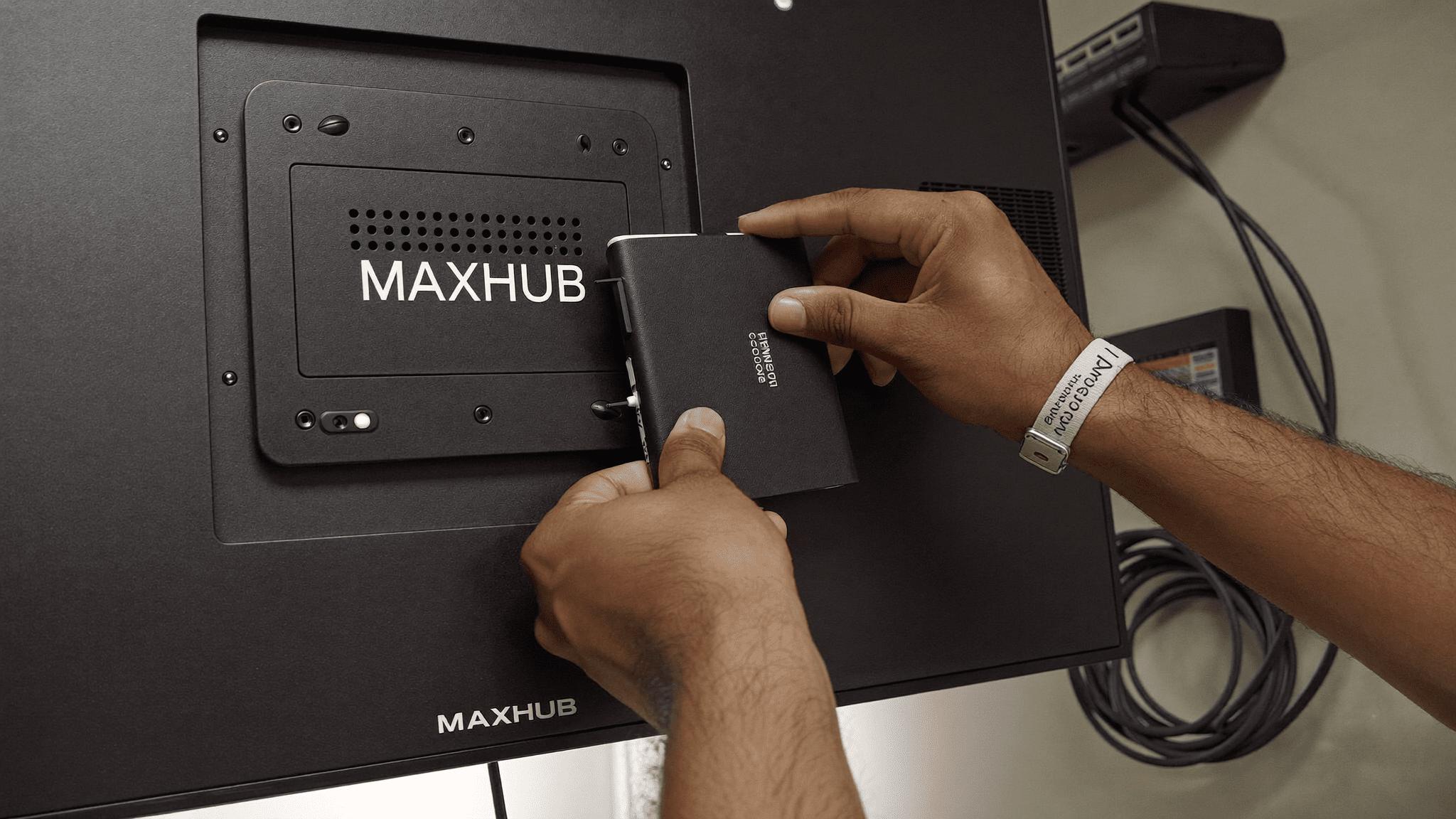
I came in convinced the camera would be the win. The camera is good. The win was the OPS slot. One Windows PC in a sleeve, domain-joined, never moved. The IT manager stopped getting tickets that started with “the dongle isn’t working.” Arre, that alone was worth the line item.
Three things to actually check before you sign. One, room acoustics: the mic array is good, not a miracle. A loud AC unit at the back will still leak. Two, the OPS PC SKU: do not let the vendor ship a budget OPS, Teams Rooms wants a real CPU. Three, the wall: a hollow plaster wall behind the old projector screen is common in Indian fit-outs. Reinforce, then mount.
Reply on WhatsApp for a MAXHUB room sizing in 24 hours.
A note on what else we considered
Meera asked, fairly, why MAXHUB and not BenQ Board or Samsung Flip Pro. For this room, with Teams Rooms certification needed and a batch larger than 20, the V6 had the right mic array and OPS slot for the SKU she could budget. For a smaller Zoom Rooms boardroom, the Samsung Flip is genuine competition.
We pick by room, not brand. If your fleet runs on Logitech VC accessories at the desk, the MAXHUB at the room level slots in cleanly.
Where the MAXHUB goes next in this firm
Two more IFPs ordered. One for the boardroom, one for the customer demo room. If your training room is on a 2018 fit-out and the joiner batch is bigger than the projector, the maths is straightforward.
For room-by-room sizing the MAXHUB Interactive Displays India hub has the breakdown. The Teams Rooms device certification list is on Microsoft Learn. The Teams Rooms overview and licensing model is on Microsoft Learn. The Surface Hub comparison is on the Microsoft Surface Hub documentation.
Book my free MAXHUB room walk-through this week.
FAQ: MAXHUB interactive display for Indian training rooms
What size IFP suits a 28-seat training room?
For 25 to 30 chairs and a 6 to 7 metre throw, the 86-inch V6 is the practical answer. The 75-inch is too small for the back row.
Does the MAXHUB need a separate OPS PC?
For Teams Rooms and Zoom Rooms certified deployments, yes. The OPS slot takes a Windows mini PC sleeve. Match the SKU to the workload.
Will it work with our Microsoft 365 tenant?
Yes. The OPS PC domain-joins like a regular meeting room device. We set up the resource mailbox and Teams Rooms profile during install.
What is the lead time for a MAXHUB V6 install in India?
5 to 7 working days from PO for a single 86-inch IFP with wall reinforcement and OPS PC. Multi-room rollouts are phased.
Get my free 4-hour quote
Reply on WhatsApp. A real Sirius Star engineer answers, not a bot. We have done this for 200+ Indian businesses, 30+ in BFSI.
Get my free 4-hour quoteP.S. Sudeep here. We shipped this MAXHUB setup for a Pune IT services firm last month. Their HR partner had already googled the wedding-hall AV rates as a Plan B. She does not need that quote anymore. If your training room or boardroom is in the same place, reply on WhatsApp and we will send the room sizing in 24 hours.
The longer read for Indian buyers who want the real numbers before they commit.
Send me the field guide