Juniper Mist WiFi: the Chennai campus that stopped dropping video calls
Last updated: 25 July 2026
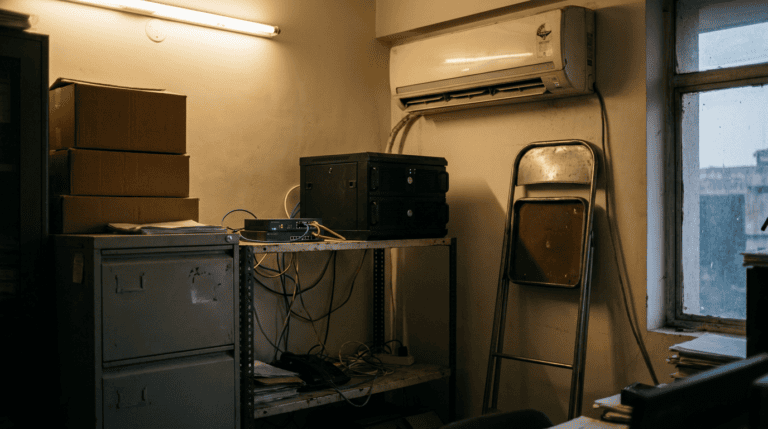
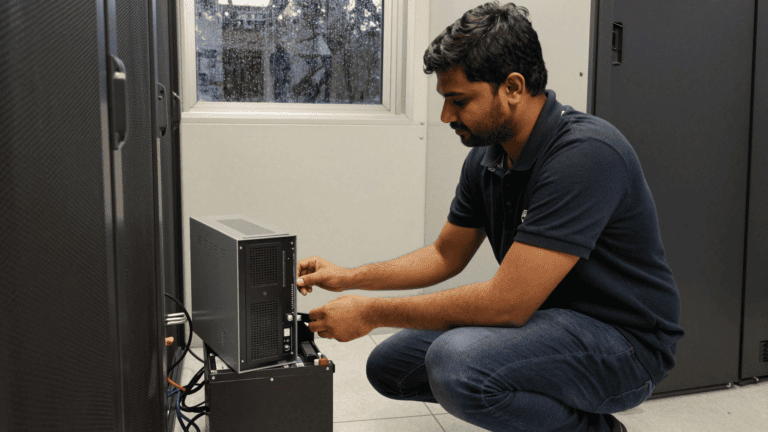
The switch cupboard on the second floor was warm in a way a cupboard should not be. Not hot. Warm, like a kettle ten minutes after it boiled. Three switches stacked on a shelf, fans going, and not one port labelled. Someone had run a strip of masking tape across the top switch years ago and written nothing on it. That blank tape is where this story starts.
I got the call because the Monday all-hands had frozen. Three hundred people on a video bridge, the MD mid-sentence, and the picture turned to blocks for half the floor. It came back. It went again. By the third freeze people had given up and opened the deck on their own laptops instead. For a firm that sells precision to its own clients, that is a bad look in your own town hall. So they asked us to come and find out why their Juniper Mist WiFi plan, which a vendor had quoted them, was even worth the money.
What a dropped call actually costs
The IT lead, a calm man named Suresh who had inherited the network rather than built it, had already done the maths before I arrived. He pulled up a sheet. Roughly 80 people on calls at any point in the working day. Two or three reconnects each, most days. Five minutes lost per reconnect once you count the “sorry, can you repeat that” part.
It adds up faster than anyone wants to admit. Suresh’s own number was about Rs 40 lakh a year in billable engineering time that leaked away into dropped calls and rejoining. I did not check his rate card, so treat that as the firm’s estimate, not mine. Even halve it and it pays for the refresh twice.
Talk to us about your office network
200+ businesses served. Response within 24 working hours. Reach us on WhatsApp at +91 91375 93228 during 10-7 IST.
Juniper Mist WiFi and why the cloud part mattered
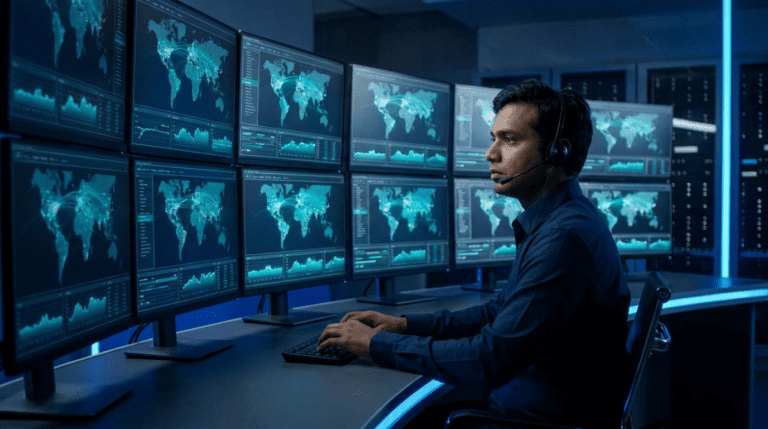
Most people miss what actually carries Juniper Mist WiFi. The access points matter, yes. The part that fixed Chennai was that the whole thing reports to one cloud dashboard, so you can watch each client device’s experience over time instead of guessing.
With the old consumer gear, a dropped call left no trace. The access point forgot the event the moment it happened. So when Suresh went looking, there was nothing to look at. arre, you cannot fix what you cannot see. Mist keeps the history. It shows you that a laptop near the north stairwell roamed badly between two radios at 11:40, dropped, and rejoined nine seconds later. That nine seconds is the frozen all-hands, named and timestamped.
We have seen this pattern in three other offices through 2026. The hardware is rarely the whole story. The blind spot is. Once you can watch the network behave, half the argument in the room disappears, because you are no longer trading opinions, you are reading a log.
The switches under the access points
People get excited about Wi-Fi and forget the boxes it plugs into. Every access point hangs off a switch port, draws power over that cable, and trusts that switch to move its traffic. If the switch layer is a mystery stack of unmanaged boxes, your shiny new APs are standing on sand.
So the refresh was two layers, not one. Juniper EX access switches on each floor, which carry power to the APs and segment the traffic, and the Mist APs on top. If you want the full picture of how the EX line fits a multi-floor building, our write-up on Juniper campus and datacenter switching walks through the switching side in detail. The short version is that managed switching is what lets you split the guest Wi-Fi, the staff Wi-Fi, and the handful of IoT sensors onto separate lanes that cannot see each other.
That separation is not just tidiness. It is the network-access-control hygiene that a DPDP readiness review will ask you about, because a guest device on the same flat network as your file server is exactly the kind of exposure that gets written up.
Marvis, and the patch cable I wanted to blame
The cable was never the problem. The cable is rarely the problem. I still went looking for one, because old habits, and because a bad patch cable is the cheapest fix in the world when you find it.
Marvis, the assistant built into Mist, got there first. It flagged that two access points on the third floor were set to the same channel and shouting over each other, and that one AP was running at low power because it was under-fed by an old switch port. Not a cable. A configuration the consumer kit had no way to even show, plus a tired switch. yaar, I had spent twenty minutes with a cable tester for nothing.
Honest beat, since this is a field story and not a brochure. I had spec’d a higher EX switch tier for the ground floor than the floor needed. Good switches. Also more than the port count and the traffic asked for. The CFO questioned the line item, I re-checked the numbers, and she was right. We dropped to a smaller box and put the saving toward two extra access points where the call density was worst. The jhamela of admitting that in the review room was worth it.
Get a quote for a Juniper refresh
200+ businesses served. Response within 24 working hours. Reach us on WhatsApp at +91 91375 93228 during 10-7 IST.
What we put in
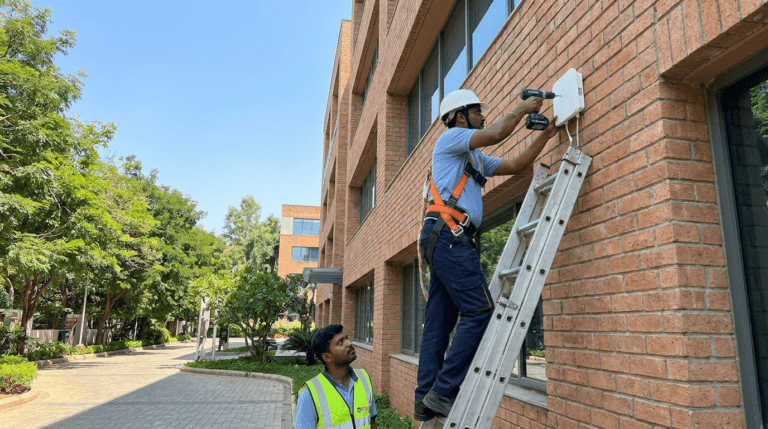
Two floors went in over one weekend, the other two the weekend after, so nobody lost a working day. Here is the before and after, plainly.
| Layer | What they had | What we put in |
|---|---|---|
| Access points | 9 consumer APs from 2017, no central view | 14 Juniper Mist APs, cloud-managed, per-client history |
| Switching | Unmanaged stack, no labels, no segmentation | Juniper EX access switches per floor, PoE to every AP |
| Troubleshooting | Guesswork after the fact | Marvis, timestamped roaming and RF data |
| Network split | One flat network for staff, guests, sensors | Separate guest, staff, and IoT lanes |
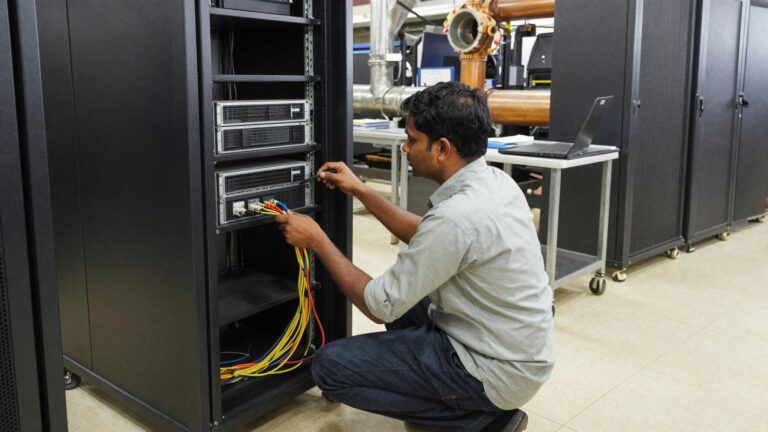
For the wiring underneath all of this, the same discipline applies as in our structured cabling weekend in Pune. New access points on tired cabling is a false economy. We tested every run before we hung an AP on it.
On the compliance side, separating the lanes and keeping access logs is the same logic CERT-In expects under its incident reporting directions, and it maps cleanly to the access-control clauses in ISO 27001. The data-protection framework that the Ministry of Electronics and IT has built around the DPDP Act expects you to know which device touched what. A flat network cannot answer that. A segmented one can.
Questions Chennai IT leads actually ask
Do we need the cloud subscription, or can we just buy the access points? The access points work, but the per-client history and Marvis live in the cloud service. For a building that keeps dropping calls, the visibility is the part that earns its keep. Buying the APs alone gets you back to guessing.
Can we keep our existing switches and only change the Wi-Fi? Sometimes, if the switches are managed and can feed power cleanly. In Chennai they could not, so we changed both. We will tell you honestly which of your boxes can stay.
How long does a floor take? A floor of this size goes in over a weekend with no working-day downtime. We stage and test before the cutover so Monday morning is quiet.
Is this overkill for a 350-person office? No, but the spec can be. The skill is buying the right tier, not the top one. That is most of what we do in the quoting stage.
Book a discovery call about your campus network
200+ businesses served. Response within 24 working hours. Reach us on WhatsApp at +91 91375 93228 during 10-7 IST.
If you are running APs and switches that nobody has the patience to manage, look at our multi-branch Wi-Fi refresh for a smaller-office version of the same job, and at out-of-band access to the server room for the night you cannot drive in to fix it. Label everything twice.
P.S. Sudeep here. We did a near-identical refresh for a services firm in Coimbatore last quarter. Same complaint, dropped calls, and the same first instinct to blame the cable. The honest first step is letting us read your network for a week before anyone quotes you a single box. Reach us on WhatsApp at +91 91375 93228 and we will set it up. The first call is a working call.
The longer read for Indian buyers who want the real numbers before they commit.
Send me the field guide